Skip to content
Home / Manufacturing software / Manufacturing / Best manufacturing software

The best manufacturing software in 2026

Growing product businesses need production and sales to run from the same live record. As businesses move beyond spreadsheets and Shopify’s native tools, the manufacturing software market offers options from purpose-built platforms to full ERPs.

The important question: Which one is the best manufacturing software for your business?

If you’re looking for software or want to switch, this article will help you start with the 7 best manufacturing ERP software on the market – with verified pricing, G2 ratings, and a limitation for each.

What is manufacturing software?

Manufacturing software manages production operations from start to finish: it covers production scheduling, BOM management, and inventory tracking. Most platforms also handle purchasing and forecasting, which gives your team the full picture of what to build, what to buy, and when.

The right platform connects purchasing, production, and sales from one live record. It tracks raw material availability as production consumes stock and flags what needs to be ordered before levels affect production. Completed production runs update finished goods inventory immediately, and your team can commit to customer orders based on live data.

Manufacturing software supports quality control at every production stage. Your team gets full traceability across materials and production batches for compliance and safety requirements ahead of shipment. On the shop floor, operators see task progress, material consumption, and order status in real time.

The term covers a spectrum. Purpose-built manufacturing platforms handle production and inventory management, connecting to external accounting and ecommerce tools. Full ERP systems extend that to financial management and broader business operations in one platform. We’ve covered both types in this article.

Growing product businesses move to dedicated manufacturing software from one of two starting points: a production operation running on spreadsheets, or a Shopify store with a growing manufacturing side that native inventory tools can no longer handle. In both cases, production and sales data end up in separate systems.

How we chose these tools

We evaluated tools on BOM and production order support, integration coverage with accounting and ecommerce platforms, G2 review scores, pricing transparency, and fit across SMB manufacturing, multi-channel selling, and full ERP use cases.

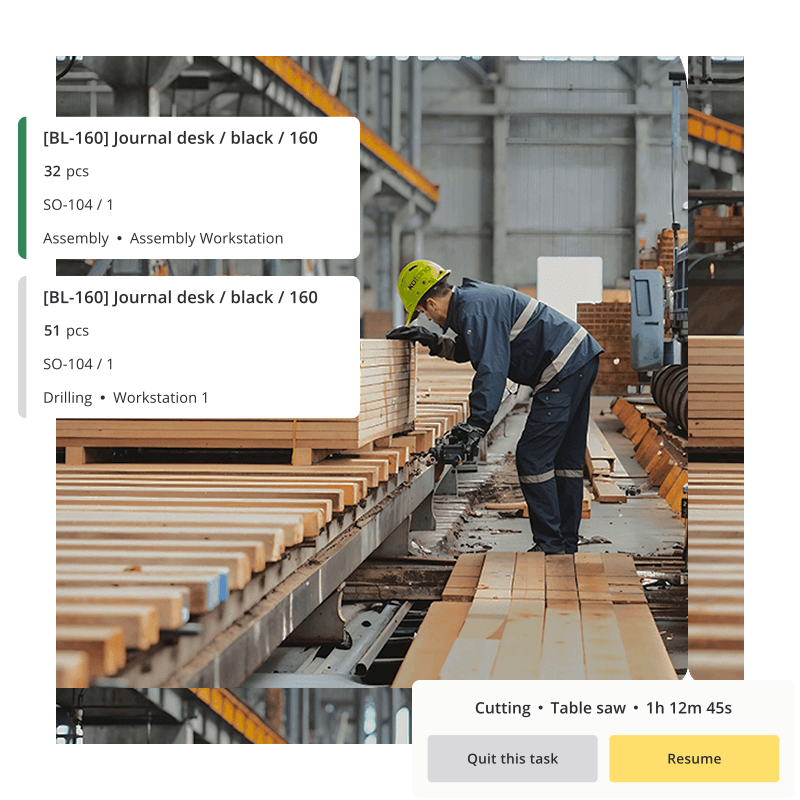
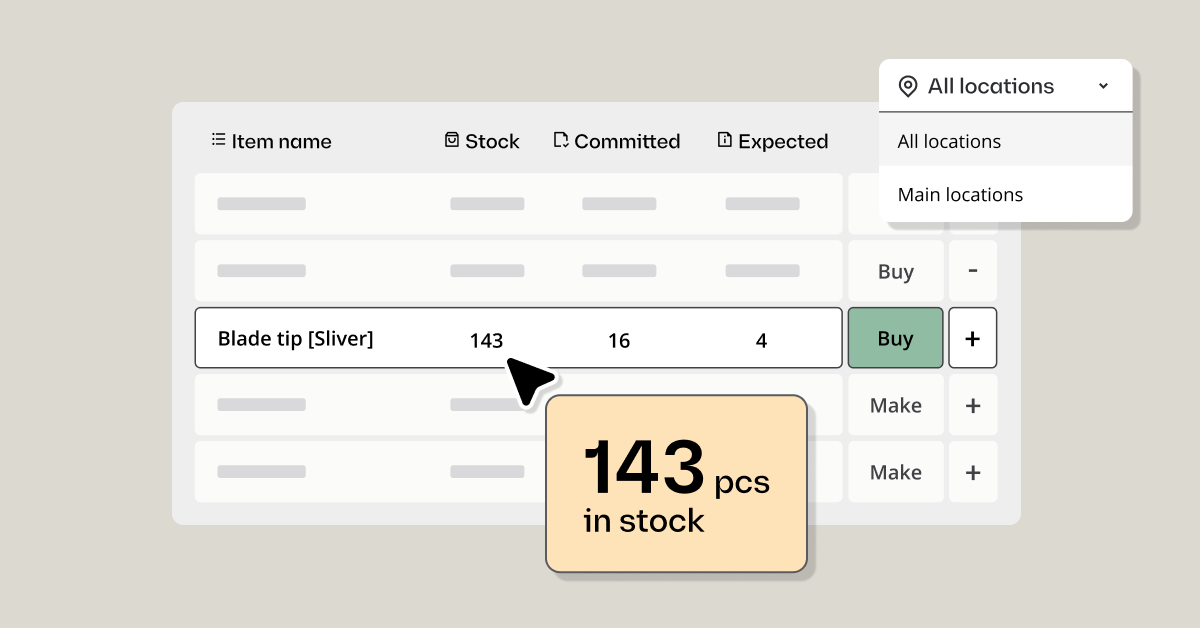
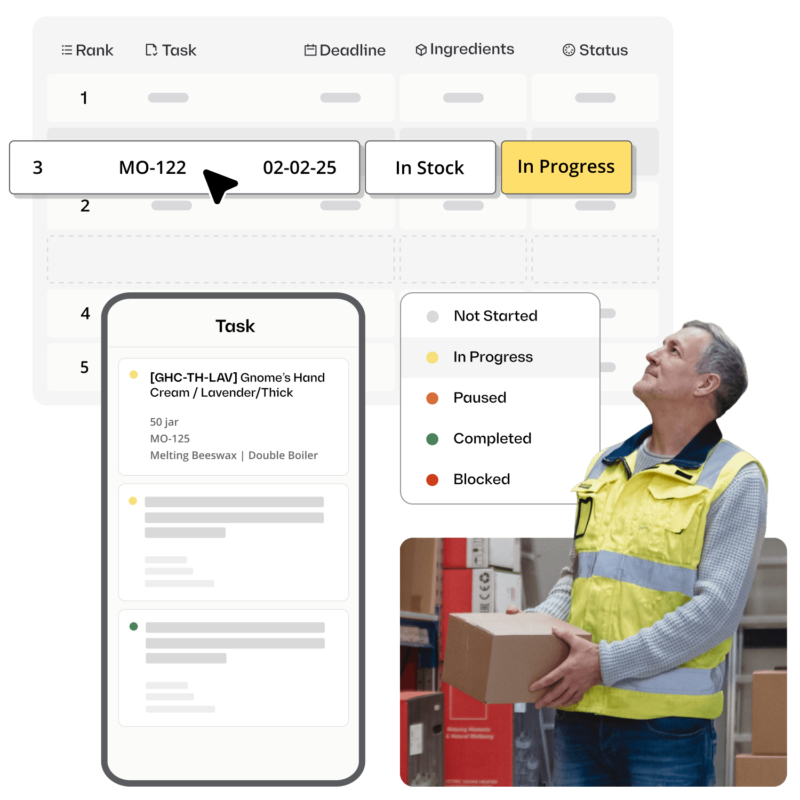
Illustration showing Katana's production scheduling feature

What are the manufacturing software benefits?

Manufacturing ERP software offers a variety of benefits to help your business achieve efficiency and accuracy. Here are the seven key advantages just to get you started:

1. Automated workflow — ERP systems use automation to move processed information from one part of the system to the next, eliminating manual data entry. Thus:

  • Reducing errors
  • Saving time
  • Increasing productivity for your team

2. Increased visibility — You’ll have better visibility into every step of the production process with an ERP system, including:

With this information at hand, you can make better decisions that improve workflow efficiency and reduce costs.

3. Improved traceability — Manufacturing ERPs provide detailed records on each component involved in the manufacturing process. This traceability helps you quickly identify and address issues with:

  • Product quality
  • Non-conforming materials
  • Incorrect orders

4. Faster delivery — Manufacturing ERP software allows you to plan production runs more efficiently, leading to increased:

  • Throughput
  • Faster delivery times for customers
  • Customer satisfaction

5. Enhanced compliance — With full traceability of production processes, manufacturers can ensure that they comply with:

  • Safety and environmental standards
  • Regulations
  • Legal and ethical requirements

6. Increased accuracy — Automation reduces errors while ensuring data accuracy across multiple systems. This leads to:

  • Greater customer satisfaction
  • Identifying and addressing inefficiencies
  • Fewer recalls due to inaccurate shipments or products not meeting quality standards

7. Cost savings — By improving automation throughout the production cycle, you can reduce labor costs and operational expenses while increasing throughput. This helps to:

  • Increase your profit margins
  • Improve the overall bottom line
  • Deliver the most value to your customers

Overall, ERP software is vital for any manufacturing business looking to maximize efficiency, accuracy, and profits. You can gain a competitive edge in today’s marketplace by leveraging this software’s many benefits.


The best manufacturing software: quick comparison

Tool Best for BOM/Production Multi-channel Free plan G2 rating
Katana Growing product businesses managing production and multi-channel sales (30 SKUs) 4.4/5 (116)
NetSuite Enterprise manufacturers requiring a full ERP suite 4.1/5 (14,775)
Acumatica Mid-market manufacturers needing full ERP without per-user fees 4.4/5 (2,007)
Fishbowl Manufacturers deeply embedded in QuickBooks 4.0/5 (275)
Odoo Manufacturers wanting a modular, open-source platform (Community) 4.2/5 (349)
Epicor Kinetic Mid-market manufacturers with complex, multi-stage production 3.9/5 (739)
inFlow Small product businesses wanting simple manufacturing management Add-on 4.4/5 (58)†

† Rating based on a small number of reviews.


Reviews: the 7 best manufacturing software tools

1. Katana — best for growing product businesses managing production and multi-channel sales

G2: 4.4/5 | Free plan available; Core from $299/month

Katana is a cloud manufacturing platform built for product businesses that make or assemble physical goods and sell across multiple channels. It connects production orders, inventory, and sales in one live system. Growing businesses managing Shopify, Amazon, wholesale portals, and 3PLs simultaneously can connect all their channels to the same live stock count.

Katana customers see a 15% increase in sales orders after moving production and inventory onto one platform. That comes from replacing manual reconciliation across systems with one live record that every order, channel, and warehouse draws from simultaneously.

The free plan covers up to 30 SKUs with all core production and inventory features included. Implementation typically takes six weeks with a dedicated onboarding manager.

Key strengths

  • Multi-level BOM management covering assemblies and subassemblies, with automatic material availability checks at each production stage
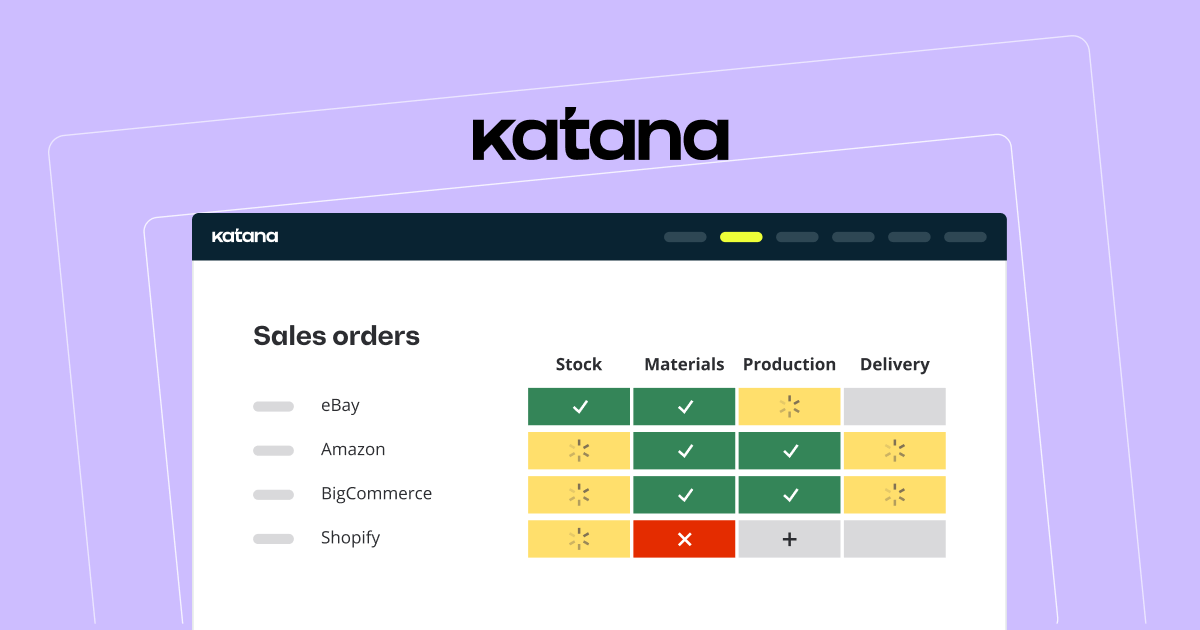
  • Live production scheduling showing which orders are ready to start, in progress, or waiting on materials, updated in real time
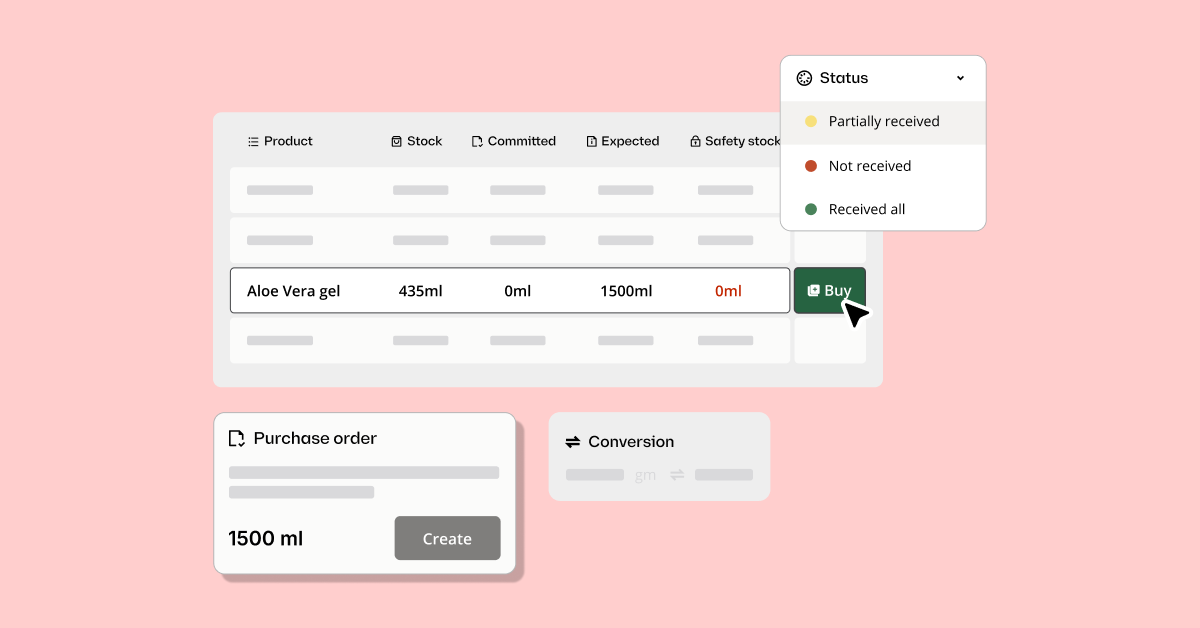
  • Automatic purchase order generation against real material requirements from BOM calculations
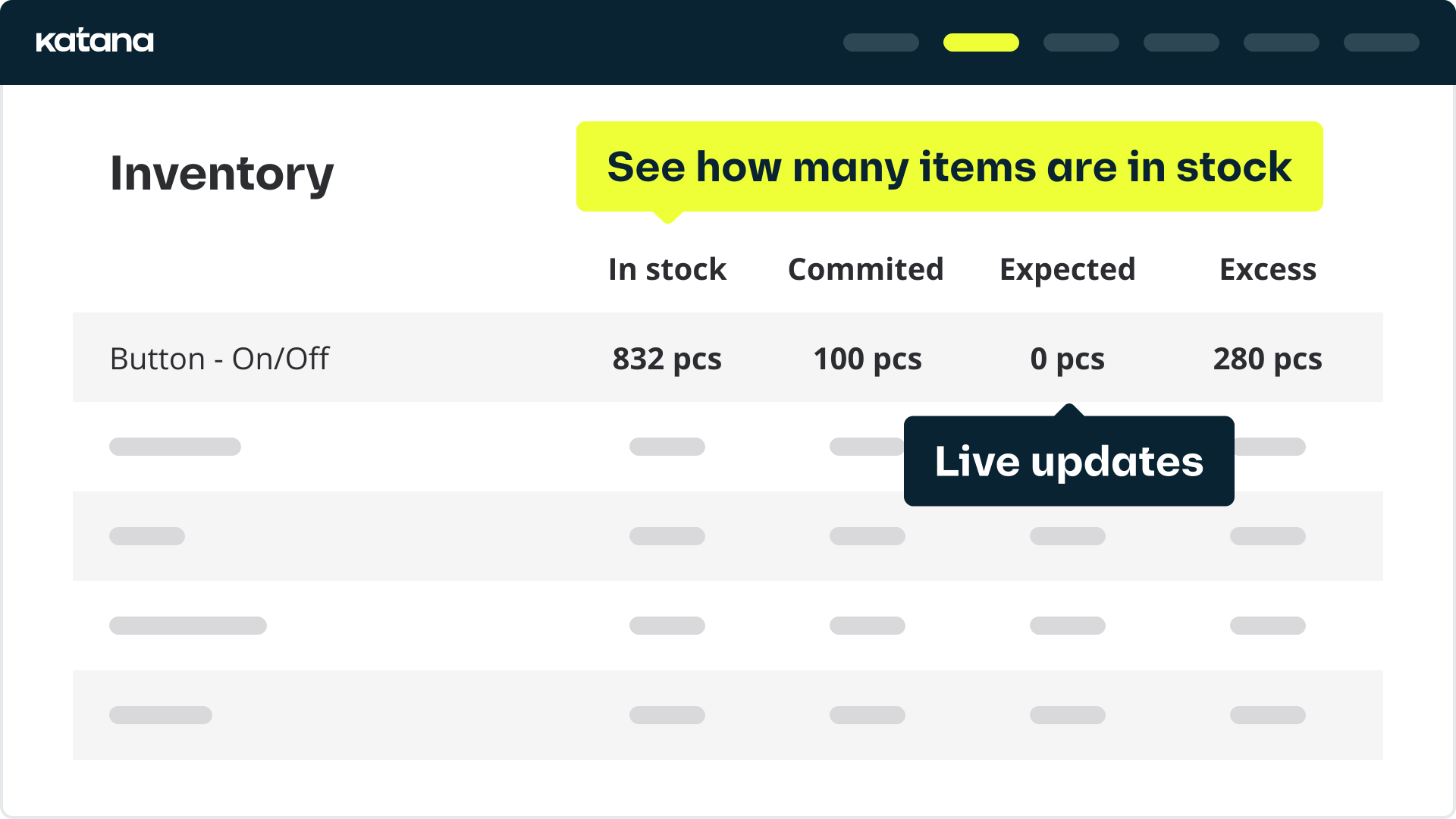
  • Committed materials always separated from available stock, keeping both available-to-manufacture and available-to-sell figures accurate
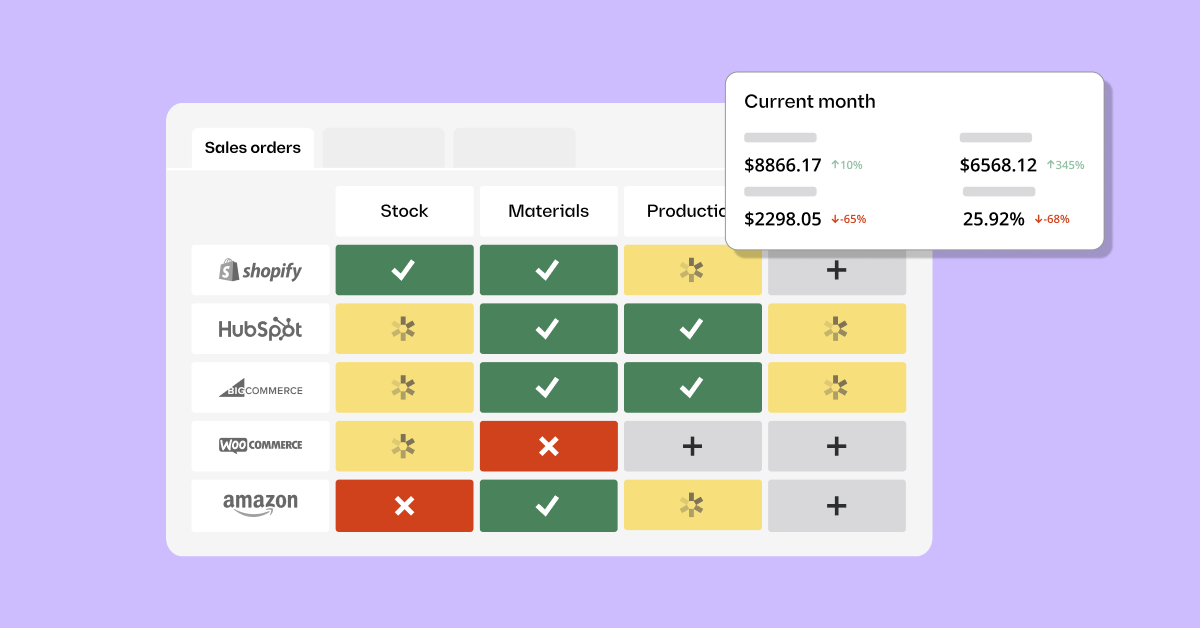
  • Multi-channel inventory sync across Shopify, Amazon, wholesale portals, and 3PLs from one live record
  • Multi-location inventory with stock tracked separately by location across warehouses and 3PL providers
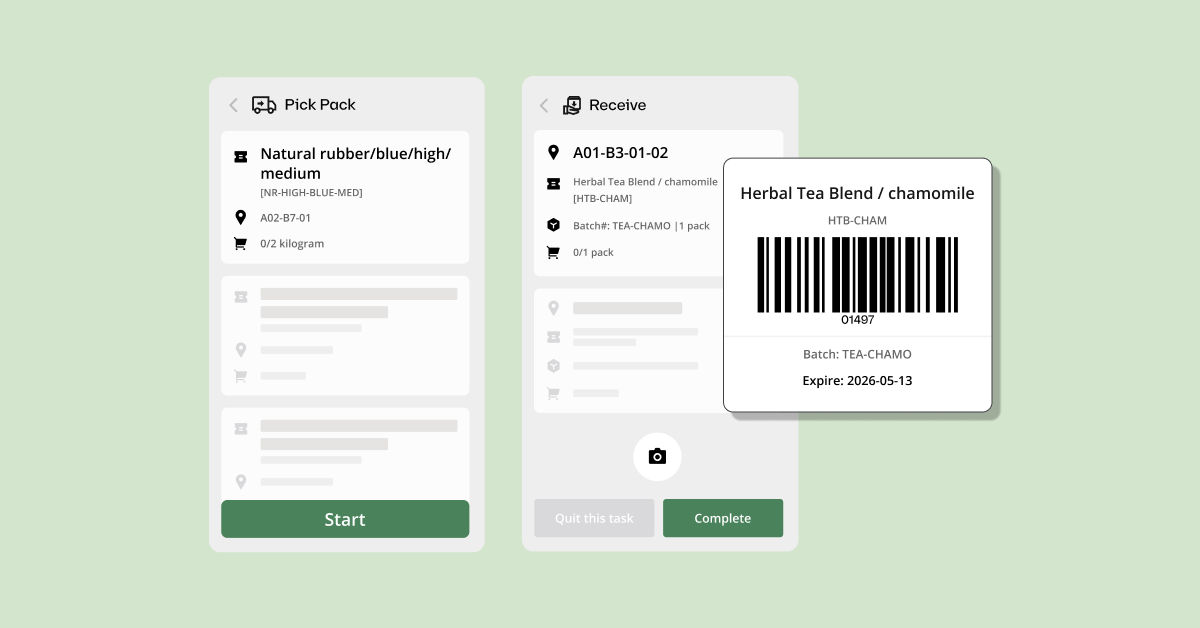
  • Batch and serial number tracking with barcode scanning for receiving and shop floor operations
  • Integrations with QuickBooks Online, Xero, Shopify, Amazon, WooCommerce, and major 3PL providers
  • Flat-rate pricing with no per-order fees

Pricing: Free plan (up to 30 SKUs, unlimited users, unlimited locations); Core Plan from $299/month. Manufacturing management, traceability, and warehouse management available as add-ons.

One limitation: Advanced manufacturing routings, shop floor management, and manufacturing cost insights require add-ons on top of the Core plan. Businesses with complex multi-step production should confirm total add-on costs before comparing against other platforms.

Have questions?

Request a demo and see exactly how Katana can help you optimize your business processes.


2. NetSuite — best for enterprise manufacturers requiring a full ERP suite

G2: 4.1/5 | Custom pricing

Screenshot of Netsuite's homepage

NetSuite is Oracle’s cloud ERP platform. It is the most widely deployed option for manufacturers that need production management and full business ERP in the same platform, handling multi-subsidiary, multi-currency, and multi-location operations at a scale standalone manufacturing tools cannot match.

Key strengths

  • Full ERP coverage: manufacturing, finance, CRM, order management, and supply chain in one platform
  • Manufacturing module with multi-level BOMs, MRP, production work orders, demand planning, and shop floor control
  • Advanced WMS with directed picking and multi-step receiving
  • Multi-entity, multi-currency, and multi-location support
  • Large global ecosystem of certified implementation partners

Pricing: Custom, quote-based. Oracle does not publish pricing. Base platform typically starts around $999/month plus $99–199 per user per month (analyst estimates). Annual contracts only. Implementation typically costs $25,000–$100,000+. Total first-year cost for most deployments exceeds $50,000.

One limitation: NetSuite is not suited to most businesses in the 5–100 employee range. Implementation requires months, dedicated IT resources, and a certified partner. Evaluate it only after outgrowing mid-market platforms.


3. Acumatica — best for mid-market manufacturers needing full ERP without per-user fees

G2: 4.4/5 | Custom pricing

Acumatica is a cloud ERP platform covering manufacturing, distribution, financials, CRM, and field service. Its defining pricing characteristic is a resource-based model: the license cost is determined by transaction volume and computing resources, with no per-user fees. Businesses with large teams find this model significantly more cost-effective than per-user ERP pricing.

Key strengths

  • Unlimited users at each resource tier, with no per-user licensing fees
  • Manufacturing Edition covering multi-level BOMs, MRP, production orders, shop floor control, and material cost tracking
  • Make-to-stock, make-to-order, and engineer-to-order production mode support
  • Full ERP integration: manufacturing connects natively with financials, CRM, and distribution
  • Cloud-native with strong mobile access for shop floor and field operations

Pricing: Custom, quote-based. No published pricing. Annual subscription typically starts in the range of $1,000–$3,000/month (partner estimates; Acumatica does not publish rates). Implementation typically costs $50,000–$150,000. Total first-year cost usually exceeds $75,000.

One limitation: Acumatica targets businesses from around 50 employees upward. Implementation runs 4–8 months and requires a certified VAR partner. For businesses under 50 employees, the implementation investment and ongoing costs typically exceed what the operational complexity justifies.


4. Fishbowl — best for manufacturers deeply embedded in QuickBooks

G2: 4.0/5 | From $229/month (billed annually)

Screenshot of Fishbowl's homepage

Fishbowl is an inventory and manufacturing platform built around deep QuickBooks integration, supporting both QuickBooks Online and Desktop through bidirectional sync. Inventory transactions, production costs, and purchase activity update accounting records automatically. Manufacturers whose financial operations are built around QuickBooks can add manufacturing and production capability without requiring a platform change.

Key strengths

  • Deepest QuickBooks integration available, supporting both Online and Desktop versions
  • Manufacturing module with multi-level BOMs, work orders, and MRP scheduling
  • Multi-location inventory with lot, serial, and expiry date tracking
  • Barcode scanning available on all plans
  • Make-to-stock and make-to-order production mode support

Pricing: Essentials $229/month (2 users, billed annually); Growth $429/month (5 users); Scale $729/month (10 users); Advanced: custom. A mandatory implementation package is required at purchase.

One limitation: Implementation is non-optional and adds upfront cost. Advanced ecommerce integrations and AI manufacturing features are add-ons. Businesses with complex ecommerce requirements should verify integration coverage before committing.


5. Odoo — best for manufacturers wanting a modular, open-source platform

G2: 4.2/5 | Free (Community) or from $31.10/user/month (Enterprise)

Screenshot of Odoo homepage

Odoo is an open-source business platform with a Manufacturing module covering multi-level BOMs, MRP scheduling, production orders, shop floor control, and work order tracking. Available as a free Community edition or Enterprise subscription, Odoo lets your business add only the modules it needs without paying for a full system used at partial capacity. Because it also covers accounting, CRM, and ecommerce natively, it can grow into a full ERP within the same platform.

Key strengths

  • Free Community edition available (open-source, self-hosted, no licensing cost)
  • Manufacturing module with multi-level BOMs, MRP, production orders, and shop floor control
  • Make-to-order, make-to-stock, and mixed-mode production support
  • Modular approach: add only the apps your business needs
  • Full ERP pathway: financials, CRM, and ecommerce available within the same platform

Pricing: Community: free, open-source, self-hosted. Enterprise: One App Free ($0, one app, unlimited users); Standard $31.10/user/month (all apps, annual billing); Custom $61.00/user/month.

One limitation: Odoo requires technical resources to implement and configure effectively. Per-user Enterprise pricing scales quickly: a 10-person team on Standard runs $311/month before any implementation cost. The Community edition has no licensing cost but no official Odoo support either.


6. Epicor Kinetic — best for mid-market manufacturers with complex, multi-stage production

G2: 3.9/5 | Custom pricing

Epicor Kinetic is an ERP purpose-built for manufacturers, with particular depth in complex, multi-stage production environments. Mid-market manufacturers in industrial machinery, metal fabrication, electronics, medical devices, or aerospace get manufacturing-specific functionality that general-purpose ERPs typically lack. Deployment is also flexible: cloud, on-premise, or hybrid.

Key strengths

  • Purpose-built manufacturing ERP with built-in manufacturing execution system (MES)
  • Advanced scheduling with configure-to-order and engineer-to-order support
  • Quality management tools for compliance-driven industries
  • All production modes: make-to-stock, make-to-order, engineer-to-order, and mixed-mode
  • Flexible deployment: cloud, on-premise, or hybrid
  • 50+ years of manufacturing ERP heritage

Pricing: Custom, quote-based. No published pricing. Per-user pricing estimated at $80–250/user/month by analyst sources (Epicor does not publish rates). Implementation typically costs $75,000–$300,000. Total first-year cost for most mid-market deployments exceeds $100,000.

One limitation: Epicor Kinetic carries the lowest G2 rating in this list at 3.9/5. Support quality is frequently flagged in G2 reviews. Implementation complexity is significant, typically running 4–9 months. If your production is straightforward, the depth of Epicor’s capabilities may exceed what your operation requires.


7. inFlow — best for small product businesses wanting simple manufacturing management

G2: 4.4/5 † | From $186/month

inFlow is an inventory and order management platform with basic manufacturing support through its separate inFlow Manufacturing product. It suits small product businesses that need kitting, assembly, and light production management without the overhead of a full manufacturing platform. That low-overhead design shows in two ways: the interface requires minimal training, and flat-rate pricing keeps costs predictable as your team grows.

Key strengths

  • Kitting and assembly management via the inFlow Manufacturing add-on
  • Simple, low-training-requirement interface suited to small teams
  • Flat-rate pricing not tied to user count
  • Built-in B2B Showroom for wholesale ordering
  • Integrations with Shopify, WooCommerce, Etsy, eBay, QuickBooks Online, and Xero

Pricing: Entrepreneur $186/month (2 users, 100 orders/month, 1 integration); Small Business $436/month (5 users, 1,000 orders/month); Mid-Size $999/month (10 users). 14-day free trial available.

One limitation: Manufacturing is a separate product, not built into the core subscription. Multi-level BOMs and advanced production scheduling are not available. inFlow suits businesses with simple assembly operations; manufacturers with complex production requirements need a purpose-built platform.

† Rating based on 58 G2 reviews.


Main features to look for in manufacturing software

Not every manufacturing platform covers the same ground. Here’s what to check for before you sign up for a demo.

BOM management and multi-level BOM support
A bill of materials defines every component and subassembly that goes into your finished products. Multi-level BOM support is essential for products that contain subassemblies: each level must be tracked, costed, and consumed correctly during production. Confirm this before evaluating any other feature.

Real-time production scheduling and work orders
Your production schedule should reflect current material availability and update as orders are confirmed, materials arrive, and work progresses. Look for a scheduling view that shows which orders are ready to start, in progress, or waiting on materials, updated continuously from the same live record that drives inventory.

Multi-location and multi-channel inventory sync
Stock should update in real time as your production commits materials and completes orders, across every warehouse location and every sales channel simultaneously. Verify that materials consumed in production are immediately reflected in available-to-sell counts on connected sales channels.

Purchase order automation
The system should generate purchase orders from your actual material requirements (against BOMs and open production orders). Confirm whether POs are generated automatically or as drafts for approval, and whether supplier lead times factor into the timing.

Shop floor control
Your operators should be able to record progress against work orders directly from the production floor, logging completed tasks and consumed materials in real time. Without this, production status is only known through manual check-ins. Look for a mobile-accessible operator view.

Accounting integrations
Production costs, materials purchases, and inventory value changes need to flow into your accounting tool without manual export. QuickBooks Online, QuickBooks Desktop, and Xero are covered by most tools in this list. Confirm compatibility with your specific accounting tool before committing to a platform.

Barcode and scanning support
Barcode scanning at receiving, production, and shipping reduces manual entry and the risk of stock discrepancies. Look for the ability to scan components into a work order as they are consumed and scan your finished goods out as they are completed.

Reporting and demand forecasting
At minimum, the system should generate production cost reports and inventory movement summaries. At higher tiers, demand forecasting (projecting future material requirements from sales history) adds forward visibility particularly valuable if your business has seasonal demand or long supplier lead times.

Manufacturing software vs. ERP

Some tools in this guide are full ERPs: platforms that handle manufacturing alongside financials, HR, CRM, and supply chain in one system. Others are purpose-built manufacturing platforms that focus on production and inventory, connecting to your existing accounting and ecommerce tools.

They differ mostly on scope and cost. Purpose-built manufacturing platforms run $200–$500/month for an SMB and implement in weeks. Full ERPs typically cost $50,000 or more in the first year and take months to deploy.

Full ERPs make sense if your operation needs manufacturing, finance, HR, and supply chain in one platform. Most businesses in the 5–100 employee range aren’t there yet.

Purpose-built platforms cover most of what a growing manufacturer needs. Consider a full ERP if you’re consolidating multiple entities, managing multi-currency operations, or need a single platform for manufacturing, HR, and finance.

Best ERP for the manufacturing industry

If you want to see the best manufacturing software in action, book your demo and get ready to take your business to the next level.

How to choose manufacturing software for your business

How complex is your production? If you’re assembling standard products from fixed BOMs and selling across multiple channels, Katana is built for that combination. Fishbowl and Odoo cover the same production tier with different strengths. If you’re building to customer specification, running engineer-to-order workflows, or managing complex multi-level subassemblies, look at Epicor Kinetic or Acumatica. For simple kitting and assembly without full production management, inFlow is the practical starting point.

How many sales channels do you manage? If you sell exclusively through wholesale or direct, you don’t need ecommerce channel sync. If you sell through Shopify, Amazon, or other online channels alongside production, your inventory record needs to feed both systems simultaneously. Katana is built for exactly that: production management and multi-channel sync at SMB scale. Odoo handles it with more modularity; NetSuite at enterprise scale; Epicor through integrations.

What tools are you currently on? If you’re deeply embedded in QuickBooks, evaluate Fishbowl first. That bidirectional sync with QuickBooks Online and Desktop is what Fishbowl is built for. If you’re already in the Zoho or Odoo ecosystem, you can extend to Odoo Manufacturing without a full platform change. Starting fresh gives you the most flexibility. If production management and multi-channel sales are both in scope, Katana is the natural starting point.

How large is your team and what is your implementation budget? Purpose-built platforms (Katana, Fishbowl, inFlow) implement in weeks and start under $300/month. Mid-market ERPs (Acumatica, Epicor) require $50,000–$150,000+ to implement and 4–9 months to deploy. NetSuite starts above $50,000 in the first year and is built for significantly larger operations. If your team is under 50 people and you don’t have a six-figure implementation budget, the choice has already narrowed considerably.

Do you need financials, HR, or CRM in the same platform? If no, Katana, Fishbowl, or Odoo connect to your existing accounting and ecommerce tools and cover most of what you need. If yes, evaluate Acumatica or NetSuite, and go in with clear eyes on the implementation cost and timeline.

For most growing manufacturers working through these questions, Katana covers production and multi-channel sales in one platform, with a free plan for up to 30 SKUs to test before committing.

Best manufacturing software FAQs

What is ERP used for in manufacturing?

ERP integrates your manufacturing with the other business functions that depend on it (financials, purchasing, supply chain, and customer management) in one platform. In a manufacturing context, ERP connects your production orders to inventory, purchase orders to accounts payable, and finished goods to sales and revenue. The value over a standalone manufacturing tool is having one data source for both operational and financial decisions. That said, the trade-off is cost and implementation complexity, which makes standalone manufacturing platforms the more practical starting point for most SMBs. Katana is the leading option at that tier.

Which software is best for manufacturing?

The best manufacturing software depends on the size of your business and your production complexity. Growing product businesses (5–100 employees) managing production and multi-channel sales should look at Katana, which covers production management, inventory tracking, and channel sync in one platform, with a free plan and a six-week implementation. Manufacturers deeply embedded in QuickBooks will find Fishbowl is the strongest option. Mid-market operations with complex, multi-stage production should evaluate Acumatica and Epicor Kinetic. NetSuite suits large enterprise manufacturers needing a full ERP.

Is SAP an ERP or MES?

SAP is an ERP. It is the most widely deployed ERP globally, covering finance, HR, supply chain, manufacturing, and customer management. SAP does include manufacturing execution capabilities (SAP ME and Digital Manufacturing), but the core platform is an ERP. A Manufacturing Execution System (MES) manages real-time production floor operations specifically; SAP’s MES capabilities exist as modules within its broader ERP architecture. If you’re an SMB manufacturer, SAP is typically cost-prohibitive and over-specified. A purpose-built manufacturing platform covers what you need at a fraction of the cost and implements in weeks. Katana is the strongest option for businesses that also sell across multiple channels.

What are the top 3 ERP systems?

By global deployment and market share, SAP, Oracle NetSuite, and Microsoft Dynamics 365 are consistently the top three. SAP dominates large enterprise manufacturing; NetSuite is the leading cloud ERP for mid-market and growing companies; Microsoft Dynamics 365 covers manufacturing and distribution across multiple tiers. SMB manufacturers specifically should consider Acumatica and Odoo for mid-market ERP, both rated 4.2–4.4 on G2. If you don’t need a full ERP, Katana covers production management and multi-channel inventory at a lower cost and shorter implementation time.

How much does manufacturing software cost?

Manufacturing software ranges from free to enterprise contracts exceeding $100,000 in the first year. There’s an option at every budget level. Katana and Odoo both offer free plans with production features included, each with usage limits. Paid SMB platforms start around $186/month (inFlow) for basic manufacturing support and $299/month (Katana Core) for full production and multi-channel inventory management. Fishbowl starts at $229/month annually. Mid-market ERPs (Acumatica, Epicor) are custom-priced with implementation costs typically starting at $50,000. NetSuite is custom-priced with first-year costs regularly exceeding $50,000.

Table of contents

More content from Katana

7 best inventory management software solutions in 2024
What is RFID and how does RFID work?
Embrace manufacturing process automation in your business
Smart manufacturing: don’t miss out on the industrial revolution
What is a manufacturing execution system (MES)?
MRP systems for manufacturers: the ultimate guide

Get visibility over your sales and stock

Wave goodbye to uncertainty by using Katana Cloud Inventory for total inventory control