
Manage and track your Shopify inventory and orders with Katana
Never miss a delivery deadline or run out of products with Katana’s Shopify inventory management integration. Manage product recipes, production, and purchasing for total visibility over your order fulfillment process.

Integration:
Shopify
Website:
Category:
E-commerce
Type:
Native
Documentation

Gain a real-time overview of your Shopify sales orders and inventory
Connect Katana to one or more Shopify e-commerce stores with this native integration. Manage all your inventory and manufacturing processes in one visual platform to ensure clear inventory management, on-time manufacturing, and accurate raw material purchasing. Katana’s Shopify integration helps you prevent stock-outs by automating your e-commerce business with synced sales order changes and constant availability updates based on your stock levels.
- Sync inventory between Shopify and Katana to ensure accurate stock quantities in your webshop
- Automatically update manufacturing orders based on sales order changes in Shopify
- Import sales orders from your Shopify store and POS system to visually manage order fulfillment and production
- Monitor raw material availability and finished products to fulfill Shopify sales orders on time
- Assign and schedule production tasks for floor-level employees and track real-time progress
Katana + Shopify integration
Experience the Katana + Shopify integration that empowers your business with advanced inventory management features to efficiently manage stock, streamline operations, and achieve optimal order fulfillment on the Shopify platform
Optimize your stock processes with Shopify inventory management system
Streamline your stock processes to increase efficiency, reduce costs, and improve customer satisfaction. Katana can seamlessly integrate with your Shopify store and revolutionize how you handle your inventory.
Katana + Shopify inventory management system enables:
- Tracking your inventory in real time and staying up to date with your stock levels
- Tracing all your supplies from raw materials to WIP to finished goods
- Keeping an eye on all your stores and warehouses with multilocation support
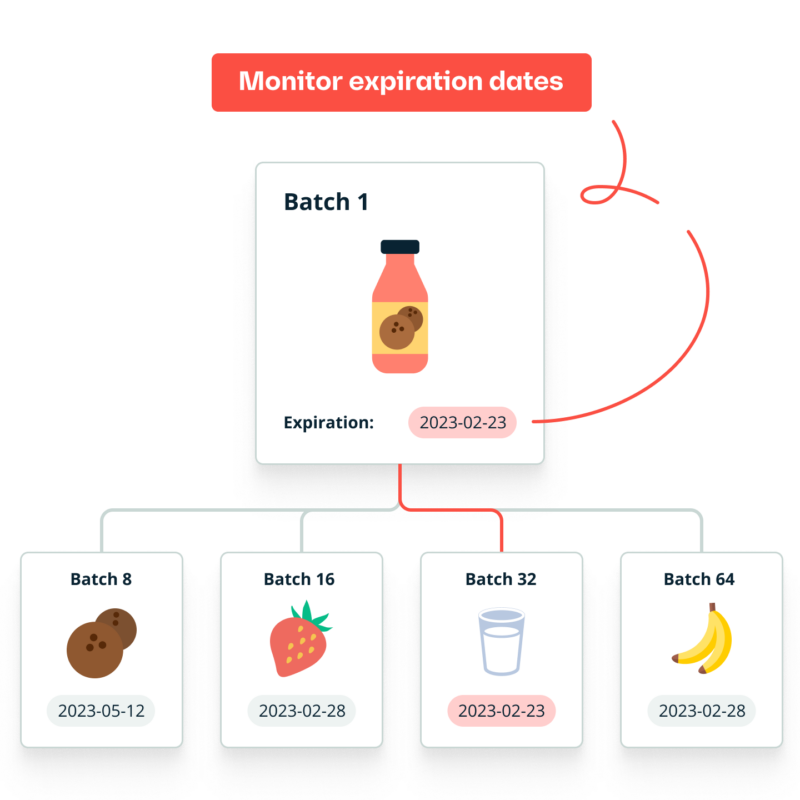
- Achieving end-to-end traceability using batch and lot tracking
Unlock efficiency with a Shopify warehouse management system
A reliable and integrated system is crucial when managing your Shopify store’s inventory and warehouse operations. Katana combines advanced features with user-friendly functionality, streamlining your warehouse processes and revolutionizing how you handle your inventory.
Streamline your warehouse operations using Katana’s features, such as:
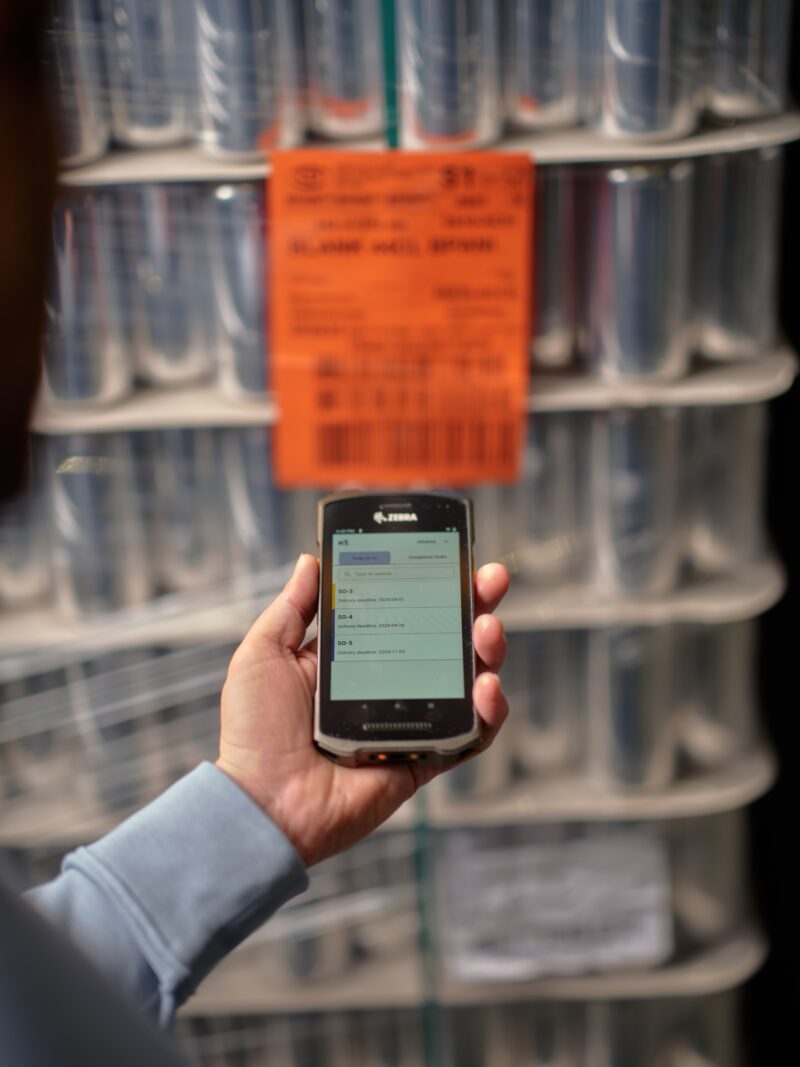
- Barcode scanning for easier receiving and searching of items
- Automation to enable efficient order fulfillment with live inventory updates
- Katana’s Shop Floor App to communicate and share tasks with your operators
- Smart prioritization to allocate supplies to the most critical orders

Elevate your inventory strategy with Shopify inventory planner
Crafting a successful e-commerce business on Shopify requires meticulous inventory planning to meet customer demands while optimizing resources. Katana empowers you to take control of your inventory, plan effectively, and ensure seamless order fulfillment.
Katana + Shopify inventory planner lets you:
- Set reorder points to ensure that you never run out of supplies and restock on time
- Forecast demand to stay ahead of spikes in sales and be prepared to fill orders
- Make more data-driven business decisions using Katana’s trend analysis and sales insights
- Choose from various integrations with e-commerce channels to streamline your business

Katana connects Shopify with all your sales channels
Get the full picture of how product businesses sell: Shopify alongside Amazon, wholesale, and more. Add channels as the business grows, make orders from all of them feed into the same account, and keep stock accurate across every one.
- Connect Shopify, Amazon, wholesale, and more from one account
- Orders from every channel in a single view
- Stock stays accurate as sales happen on any channel
Features
Integrate Katana with your Shopify store
Increase order fulfillment and inventory management efficiency with Katana + Shopify integration. Discover all the necessary features within a single manufacturing platform. Synchronize sales orders from your Shopify store to Katana’s order management software and ensure the timely delivery of your products. With Katana, you’ll unlock real-time visibility across every aspect of your order and inventory processes, allowing you to make data-driven decisions that steer your business toward success.
We were doing £150-250,000 a month while struggling with the previous system at that time. With Katana, we’ve doubled that number and are working a lot more efficiently.
Stephen Newlove, Procurement and Logistics Manager at NatureWall

Katana integrations






Shopify inventory management FAQ
Yes. Katana has a native integration with Shopify that keeps inventory, orders, and stock levels in sync automatically. When a
sale is made in Shopify, it is immediately reflected in Katana. One or multiple Shopify stores can be connected to a single Katana
account.
Yes. Multiple Shopify stores can be connected to a single Katana account. Each store syncs independently and can be
mapped to separate locations in Katana, providing a unified view of inventory and orders across all storefronts.
Yes. Katana acts as a central inventory source of truth and pushes accurate stock levels to Shopify automatically. As sales,
returns, and stock movements are recorded in Katana, the correct available quantity is reflected in Shopify.
Yes. Katana integrates natively with both Shopify and Amazon FBA. Shopify orders and stock sync automatically, while
Amazon FBA inventory is pulled into Katana as a separate location.
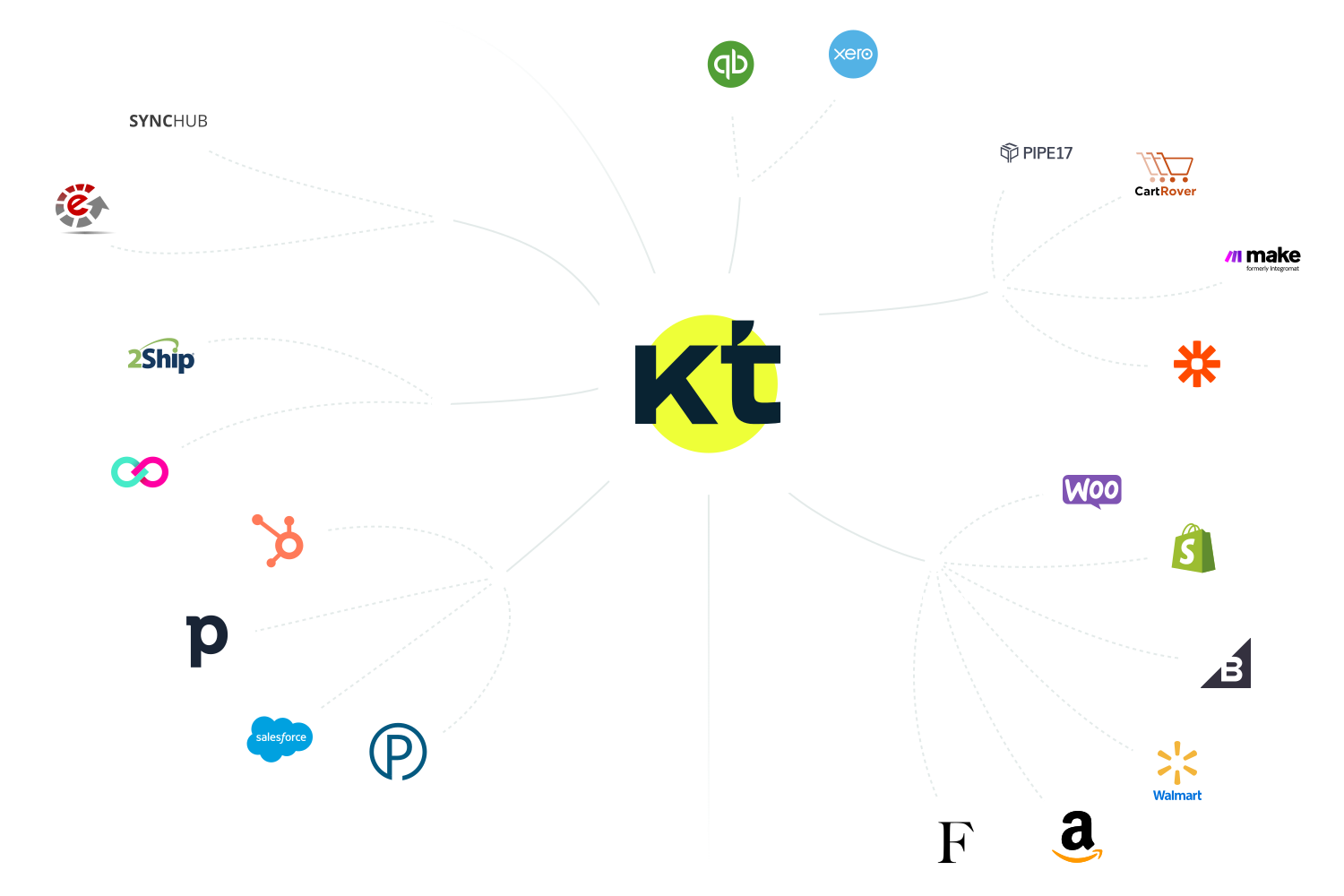
Integrate with the best e-commerce,
accounting, reporting, and CRM
software out there
Create custom API integrations
Use Katana’s open API to create custom workflows and connect to apps beyond our list of integrations. Automate data transfers between the services you use to level up efficiency. Take a look at our API documentation to learn more.
Get visibility over your sales and stock
Wave goodbye to uncertainty with Katana Cloud Inventory — AI-powered for total inventory control
