
Multichannel Order Fulfillment Software: How to Route Orders Without Spreadsheets
Multichannel order fulfillment software routes orders from every sales channel — Shopify, Amazon, wholesale, and more — to the right warehouse, 3PL, or supplier automatically. It removes the manual step of deciding where each order goes, keeps customers informed with accurate tracking, and gives your operations team one place to see everything in motion.











What is multichannel order fulfillment software?
When orders arrive from multiple channels, someone has to decide how each one gets fulfilled: which warehouse ships it, which 3PL picks it, or whether it goes straight to a dropship supplier. At low volume, that’s a manual decision. At scale, it’s a daily operational bottleneck.
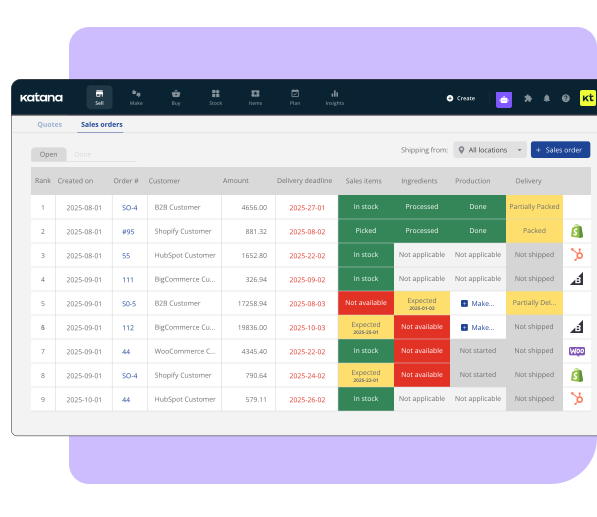
Multichannel order fulfillment software automates that routing. You set the rules once — by channel, by SKU, by region, by stock level, or by order type — and the system routes each order accordingly. Your warehouse team sees a prioritised pick list, not a stack of orders from five different portals.
The result: fewer manual decisions, fewer fulfillment errors, and less time spent on order coordination that doesn’t move the business forward.
For the inventory layer that underpins this, see multichannel order management.
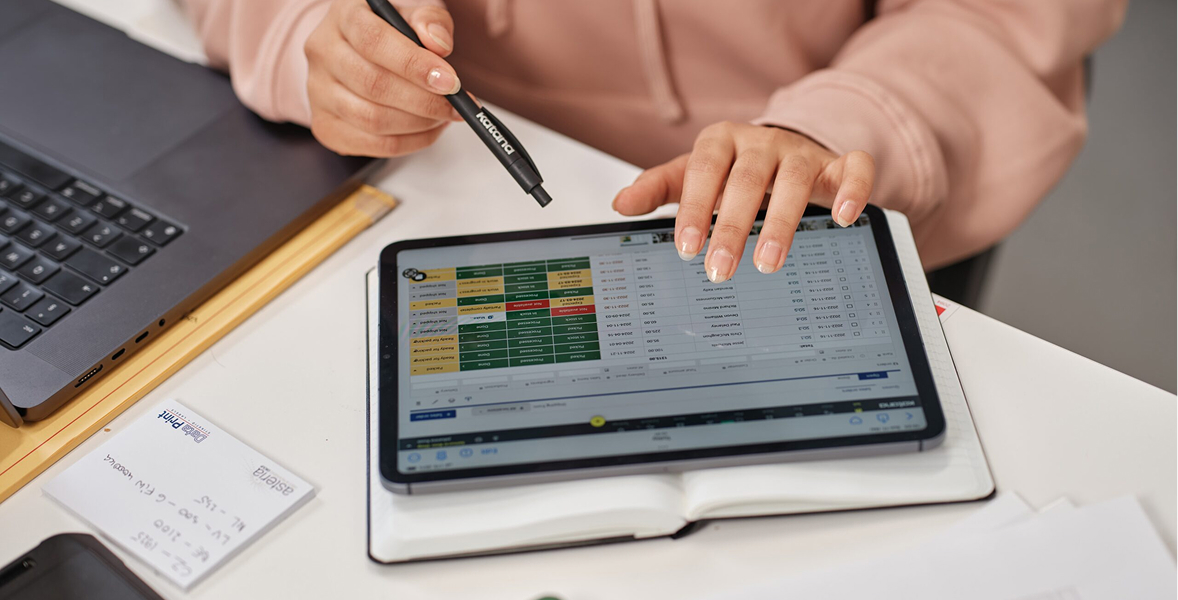
How does multichannel order fulfilment software route orders?
Routing logic varies by platform, but most systems support some combination of:
Channel-based routing. All Shopify orders go to warehouse A. All Amazon FBM orders go to 3PL B. This is the simplest rule set and works for most brands starting out.
Location-based routing. Orders route to the nearest fulfillment location with stock. This reduces shipping time and cost for brands with multiple warehouses or regional 3PLs.
Stock-availability routing. If the primary fulfillment location is out of stock, the order automatically routes to the next location with available inventory. This prevents orders from stalling without manual intervention.
Order type routing. Wholesale orders route differently from D2C orders. Large orders might route to a different facility than standard ones. Dropship orders skip the warehouse entirely and go directly to a supplier.
Priority-based routing. Expedited or priority orders can jump the queue or route to a faster fulfillment location regardless of other rules.
According to McKinsey, companies with advanced fulfillment operations consistently report 15–25% lower fulfillment costs and significantly higher on-time delivery rates compared to those managing operations manually. Automated routing is a core part of that.
What should you look for in multichannel
order fulfilment software?
Does it connect to all your channels and fulfillment locations? A gap in coverage means manual handling for every order from that channel or location. Confirm integrations before committing.
How flexible is the routing logic? Basic systems support simple channel-to-location rules. Growing businesses often need more: stock-availability fallbacks, order type conditions, or region-based rules. Test the routing engine specifically if your operation has any complexity.
Does it handle partial fulfillment? If a customer orders three items and two are available at one location while the third is at another, can the system split the shipment automatically? Partial fulfillment handling is often the point where simpler tools break.
How does it manage 3PL communication? Good fulfilment software sends pick-and-pack instructions to 3PLs in their preferred format (EDI, API, or email) and receives fulfillment confirmations and tracking numbers back automatically.
What happens when something goes wrong? Orders stall for various reasons — out of stock, 3PL API error, carrier issue. The system should flag exceptions immediately rather than leaving an order in limbo until a customer complains.
For the inventory sync that keeps stock accurate across channels so routing decisions are based on real data, see multi-channel inventory software.
Running multiple locations with separate spreadsheets?
Unify your inventory view. Katana shows every warehouse, every item, and every stock movement from one dashboard, with real-time sync between locations.
Explore Katana’s inventory capabilities
Frequently asked questions
An order management system (OMS) covers the full order lifecycle — from placement through delivery and return. Multichannel order fulfilment software specifically handles the routing and fulfilment execution step within that lifecycle. In practice, many platforms combine both functions: they aggregate orders, route them, track fulfilment, and manage returns in one system.
Most platforms support 3PL integration, but the method varies — some connect via API, others use EDI, others use email or CSV. Before choosing a fulfilment software, confirm your 3PL is supported and ask what the connection covers: order transmission, fulfillment confirmation, tracking number sync, return handling.
Good fulfilment software holds pre-orders and backorders in a separate queue, fulfills them automatically when stock arrives, and maintains accurate available-to-promise counts on your sales channels in the meantime. Systems without this capability either prevent you from selling until stock arrives (missed revenue) or allow sales without any backorder management.
Inventory inaccuracy. Routing rules only work if the underlying stock data is correct. If your inventory system is out of sync with your warehouse, orders route to locations that don’t actually have the stock. The fix is making sure your inventory management and fulfilment software share the same real-time data — not maintaining them as separate systems that sync periodically.
If your team is still manually routing orders from multiple channels, get started with a free Katana plan
and see how automated fulfilment routing works across your stack.
See all your locations from one screen
Start free with Katana. Set up your warehouses, track stock movements, and manage transfers — all from one dashboard with real-time sync.
