
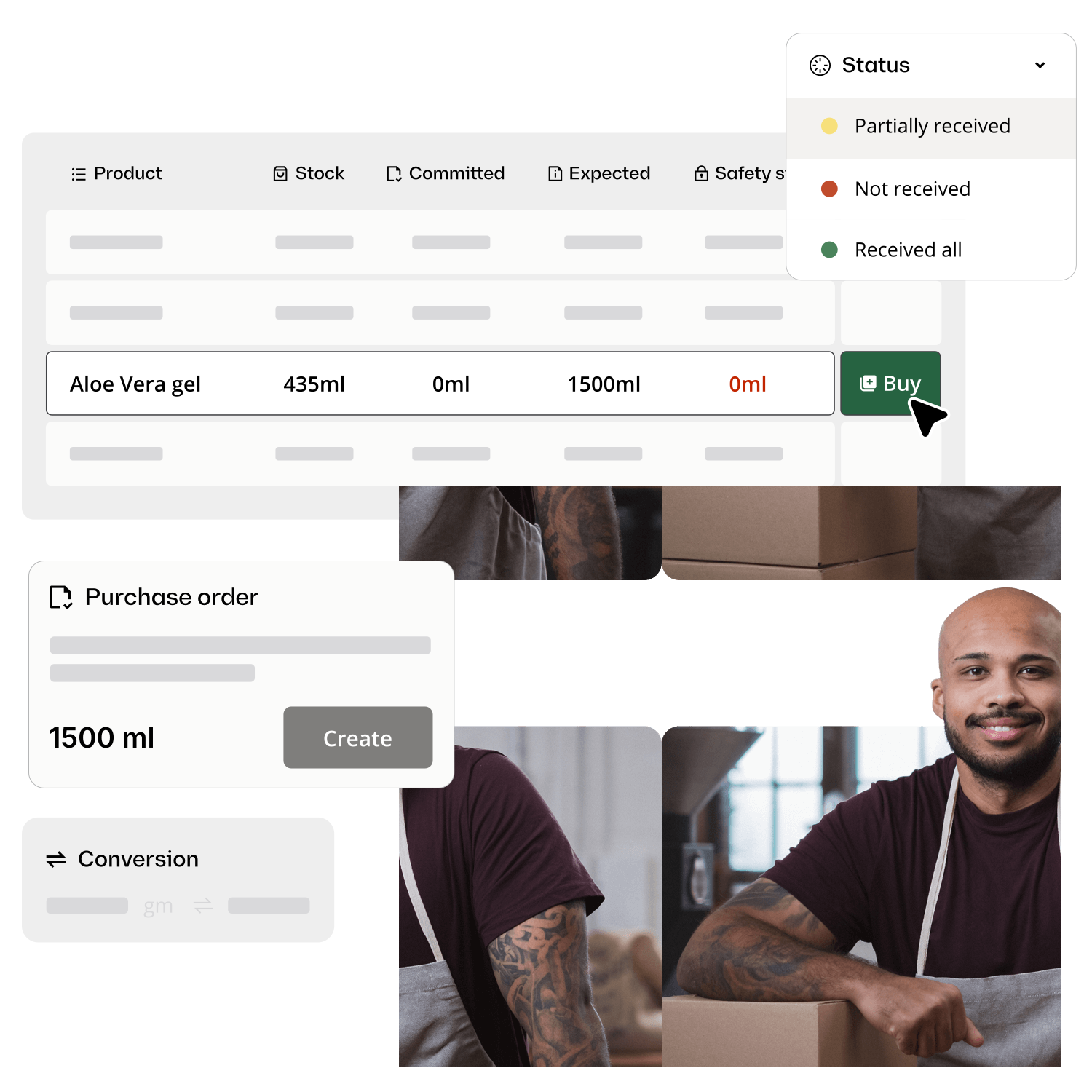
Real-time inventory tracking software
Know exactly what’s in stock, right now. Katana updates inventory levels within seconds across every warehouse, production floor, and sales channel, with no manual updates, no sync delays, no surprises.














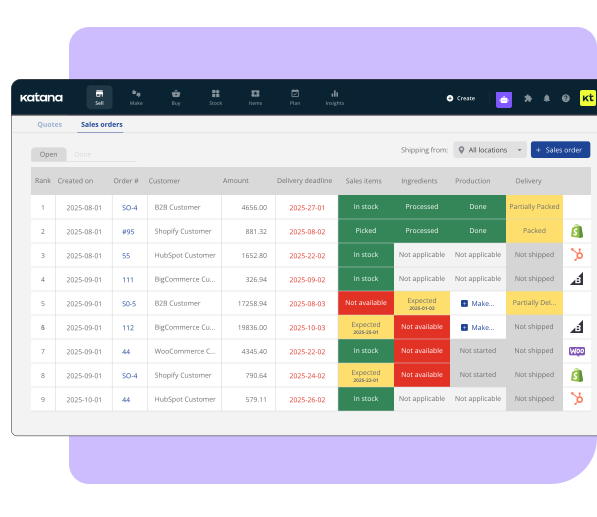
What makes Katana’s tracking truly real-time
Real-time inventory tracking software automatically updates stock levels within seconds of any transaction — sales, production, transfers, or receipts. For manufacturers, this means raw materials, work-in-progress, and finished goods counts are always current across every warehouse and sales channel, eliminating manual spreadsheet updates and reducing stockouts.

Sales channel sync
When a customer buys on Shopify, Amazon, or your B2B channel — stock levels adjust within seconds. No batch imports, no end-of-day reconciliation.

Production consumption
As your team completes manufacturing orders, raw materials are deducted and finished goods are added automatically. BOM-level accuracy, live.

Warehouse transfers
Move stock between locations and both warehouses update instantly. No more calling ahead to ask “do we have any left?”
Always maintain the right stock at the right time. No stockouts. No excess.
Utilize live data, automation, and smart planning tools to know exactly what’s in stock, where it’s located, and when to replenish — ensuring you deliver every order on time.
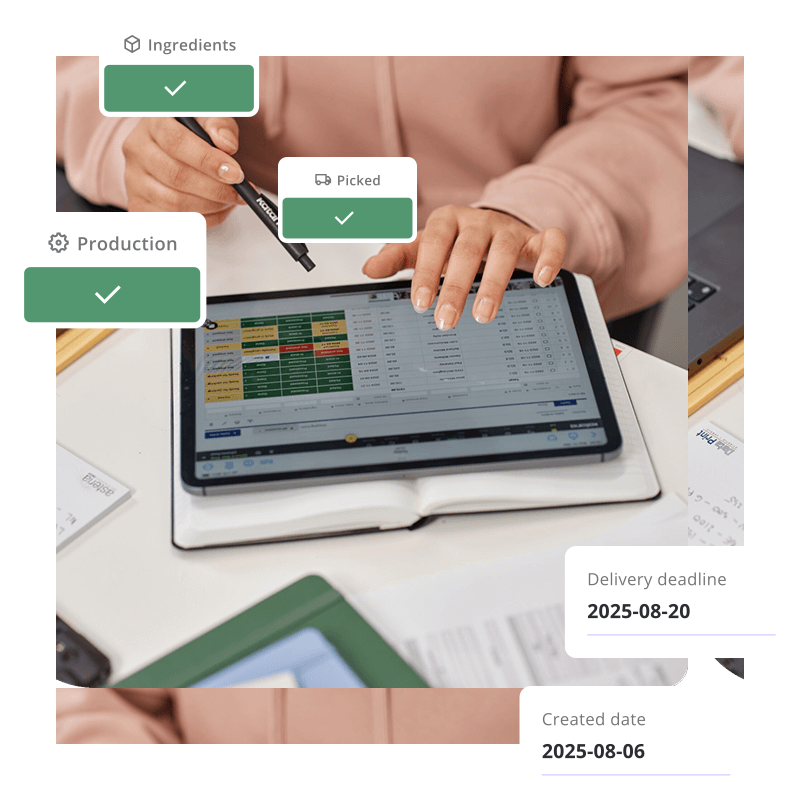
Every warehouse, every item, one dashboard
Businesses operating across multiple locations know the pain: you check stock in one system, it says 200 units. Meanwhile, your team already shipped 50 from another warehouse and it hasn’t synced yet.
Katana shows live stock levels for every item across every location (warehouses, distribution centers, and fulfillment points), all visible from one screen, all updating in seconds.
“This is all real time? There’s no delay?” — “Within 5-10 seconds you’re going to see information update.”
– Prospect during demo call
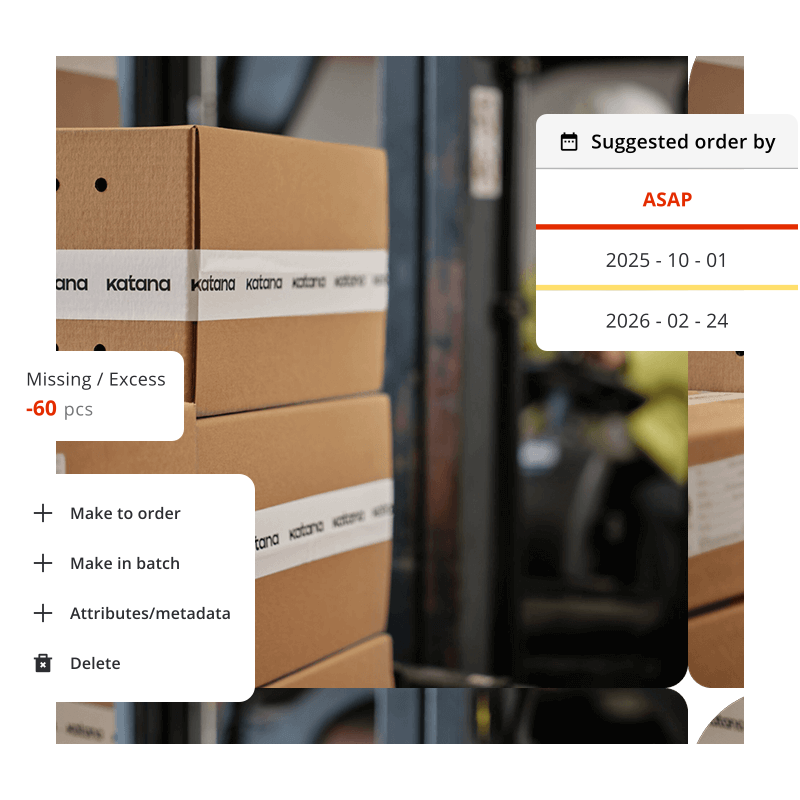
Stop overselling and understocking
When your Shopify store shows 100 units available but your warehouse actually has 60 because orders from other channels or transfers already claimed 40 units, you’re about to break promises to customers.
Real-time tracking eliminates the gap between what your system says and what’s physically in stock:
- Available-to-promise calculations based on live stock + incoming POs
- Committed stock visibility: see what’s reserved for open orders
- Automatic low-stock alerts before you run out
- Multi-channel inventory sync to prevent overselling
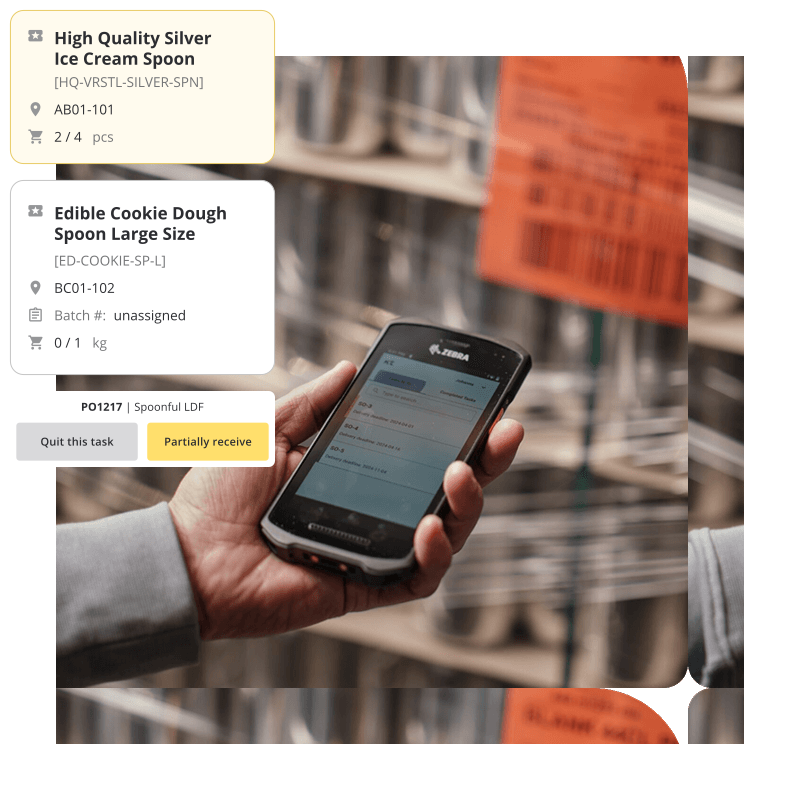
Barcode scanning for real-time accuracy
Every scan triggers an instant stock update. Receive a purchase order? Scan it in. Complete a production run? Scan the finished goods. Ship an order? Scan and the system adjusts automatically.
- Works with any USB or Bluetooth barcode scanner
- Supports custom barcode generation for items without UPCs
- Mobile-friendly for warehouse floor use
- Each scan creates an audit trail with timestamp, user, and location
Katan customer saved £10,400 in the first quarter
By switching from batch-updated spreadsheets to Katana’s real-time tracking, they eliminated overselling, reduced emergency purchases, and stopped over-producing items that were already in stock.
Real-time tracking vs. traditional inventory methods
Spreadsheet
Periodic sync ERP
Katana (Real-Time)
Customer orders on Shopify
Manual entry hours later
Batch import every 15-60 min
Stock adjusts in 5-10 seconds
Production run consumes materials
End-of-day manual deduction
Post-production batch update
Live BOM deduction as work completes
Stock transfer between warehouses
Email or phone call
Manual adjustment in both locations
Both locations update simultaneously
“How many do we have in stock?”
Check the sheet (maybe outdated)
Mostly accurate (within sync window)
Always accurate, always current
Explore Katana’s inventory capabilities
Frequently asked questions
Real-time inventory tracking means stock levels update automatically within seconds of any transaction — a sale, a production run, a warehouse transfer, or a purchase receipt. Unlike batch-updated systems or spreadsheets, you always see current stock counts without manual intervention.
Katana updates inventory within 5-10 seconds of any stock movement. Sales orders from Shopify, production completions, warehouse transfers, and purchase receipts all reflect in the system in near real time.
Yes. Katana tracks stock across multiple warehouses, production floors, and sales channels from one dashboard. Each location shows live stock levels, and transfers between locations update both sides instantly.
See your inventory in real time — starting today
Start with Katana’s free plan. Connect your sales channels, import your stock, and watch inventory levels update live within minutes of setup.
