Multi-location inventory management software
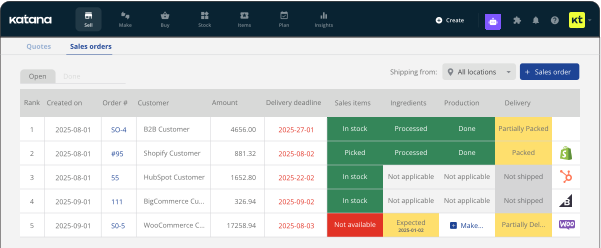
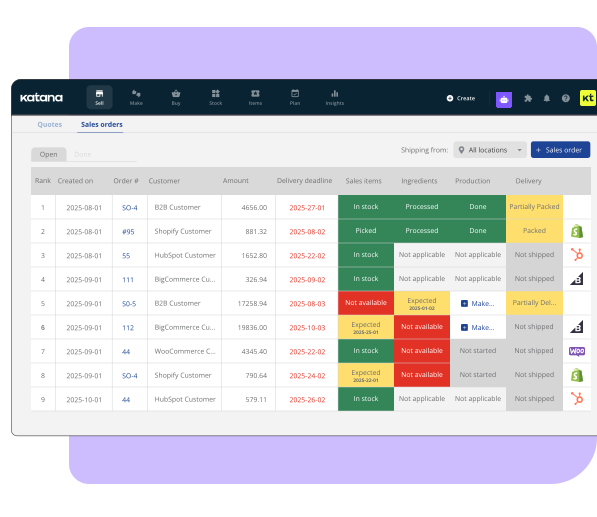
Stop calling between warehouses to check stock. Katana gives you a single dashboard showing live inventory across every location – warehouses, production floors, distribution centers – with instant stock transfers and location-specific reorder points.










Why businesses need multi-location inventory tracking
Multi-location inventory management software tracks stock levels across every warehouse, production facility, and distribution point from one central system. With Katana, you get real-time visibility at each location, instant stock transfers between sites, and location-specific reorder points.
Join Katana customers reporting 60% higher sales revenue after consolidating their inventory into one single source of truth.

One dashboard, every location
See live stock levels across every warehouse, production floor, and retail location from one screen. Make purchasing and restocking decisions based on accurate, up-to-date data without chasing down availability across sites.

Instant stock transfers
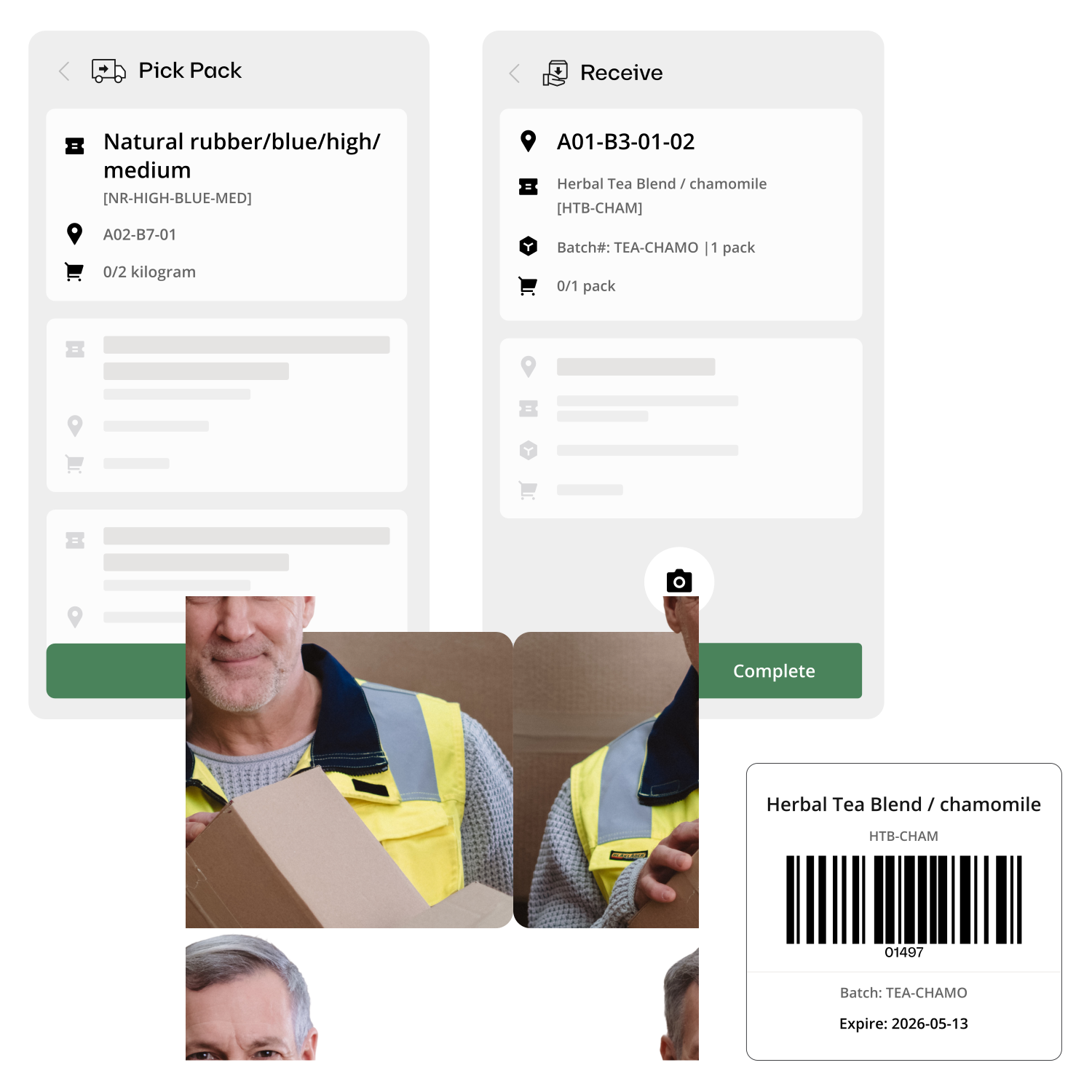
Move inventory between locations with a few clicks, both sides update in real time. Katana customers process orders 3x faster after replacing manual transfer workflows with tracked, auditable movements.

Per-location reorder points
Different locations have different demand. Set unique reorder thresholds for each warehouse so your main facility stocks differently from your branch locations.
The problem with managing inventory across locations
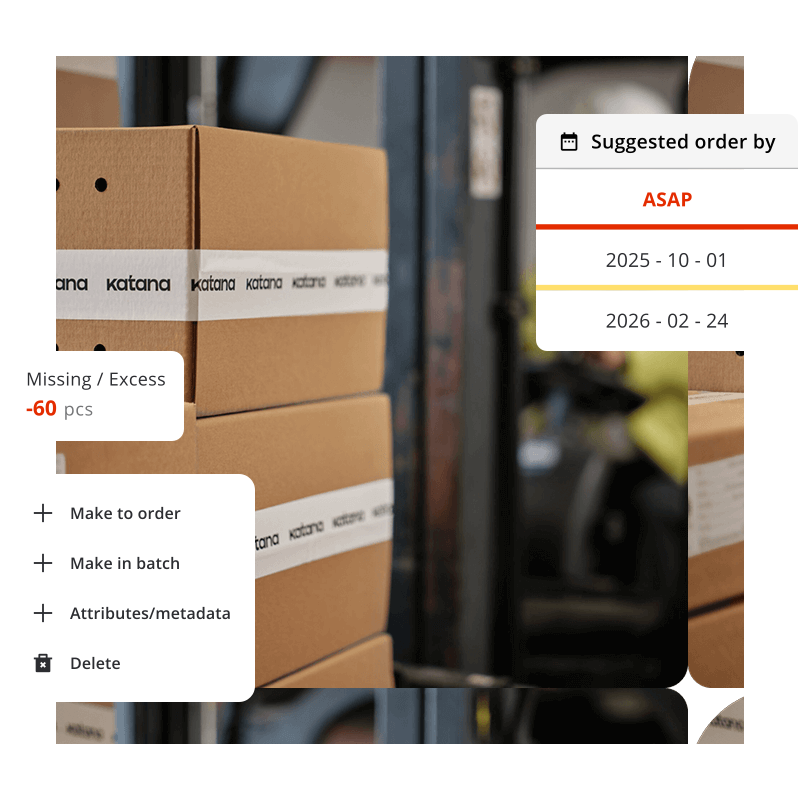
From working with hundreds of product brands, the same two issues when businesses start scaling across locations: stock imbalances across locations that trigger unnecessary emergency orders, and the lack of a consolidated view that forces operators to check sites one by one. Both get harder to manage the more locations you add.
Katana gives you one place to see and manage all of it: live stock levels, tracked transfers, and location-specific reorder points across every site you operate.
“I can transfer stock from one warehouse to another — we do a lot of that transferring back and forth between our main warehouse and then our different branches.”
— Multi-location manufacturer using Katana
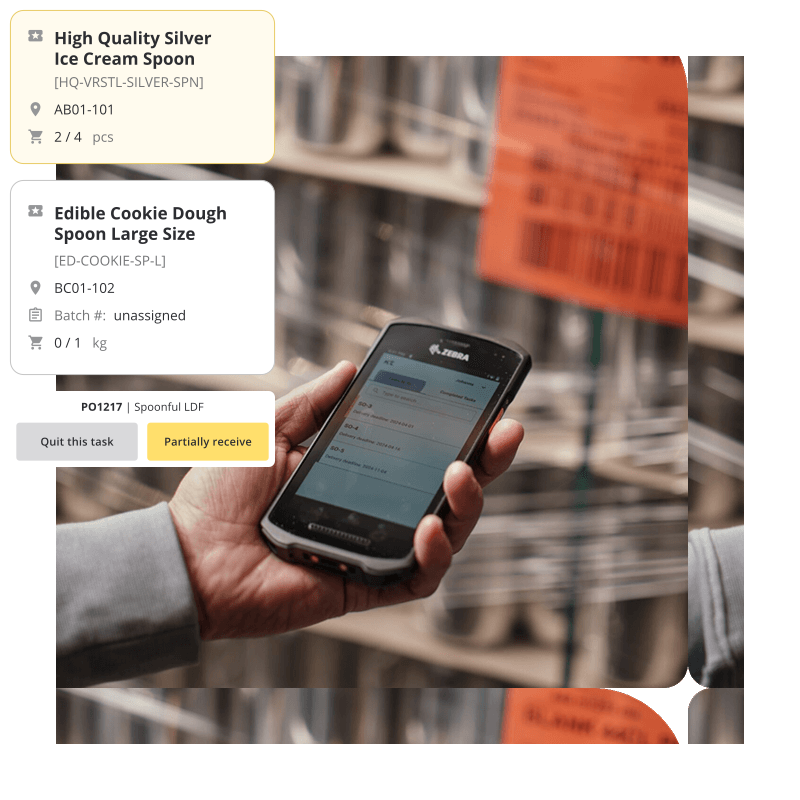
Stock transfers that actually work
Stock sitting in the wrong location is one of the most common causes of unnecessary emergency orders. Katana makes transfers a first-class operation: tracked, visible to everyone, and reflected in live stock levels the moment they’re initiated.
- Initiate transfers with item, quantity, source, and destination
- Both locations update in real time — no manual reconciliation
- Full audit trail: who transferred what, when, and where
- Transfer history visible to all team members across locations
“We have three to ten locations depending on which package. The key is seeing everything from one place.”
— Katana customer
Running multiple locations with separate spreadsheets?
Unify your inventory view. Katana shows every warehouse, every item, and every stock movement from one dashboard, with real-time sync between locations.
Katana vs. spreadsheets for multi-location businesses
Challenges
Spreadsheet approach
Katana
Seeing total stock across all sites
Sum across multiple sheets (often outdated)
One dashboard, real-time totals
Stock transfers
Email/phone + manual adjustment in both sheets
Tracked transfer, both sides update live
Reorder decisions
Check each location’s sheet separately
Per-location reorder points, auto-alerts
Audit trail
No record of who changed what
Full log: user, timestamp, quantities
New location setup
Clone spreadsheet, start fresh
Add location in settings, start tracking
Explore Katana’s inventory capabilities
Frequently asked questions
Multi-location inventory management software tracks stock levels at each physical location (warehouses, production facilities, retail locations, distribution centers) from one central dashboard. Stock transfers between locations update both sides in real time, and reorder points can be set per location to account for different demand patterns.
Katana supports multiple warehouse locations depending on your plan tier. Each location gets its own stock tracking, reorder points, and transfer capabilities. All locations are visible from a single dashboard with real-time updates.
Yes. Katana supports stock transfers between any of your locations. When you initiate a transfer, the sending location’s stock decreases and the receiving location’s stock increases, both updating in real time. Every transfer is logged with timestamps, quantities, and the user who initiated it.
See all your locations from one screen
Start free with Katana. Set up your warehouses, track stock movements, and manage transfers — all from one dashboard with real-time sync.