
Nearshoring in practice: The software stack that makes it possible
When you move part of your production closer to home, stock, partners, and costs spread across more locations.
This guide looks at what needs to change in your operations to support nearshoring, and how to set it up and test it with the tools you already use today.

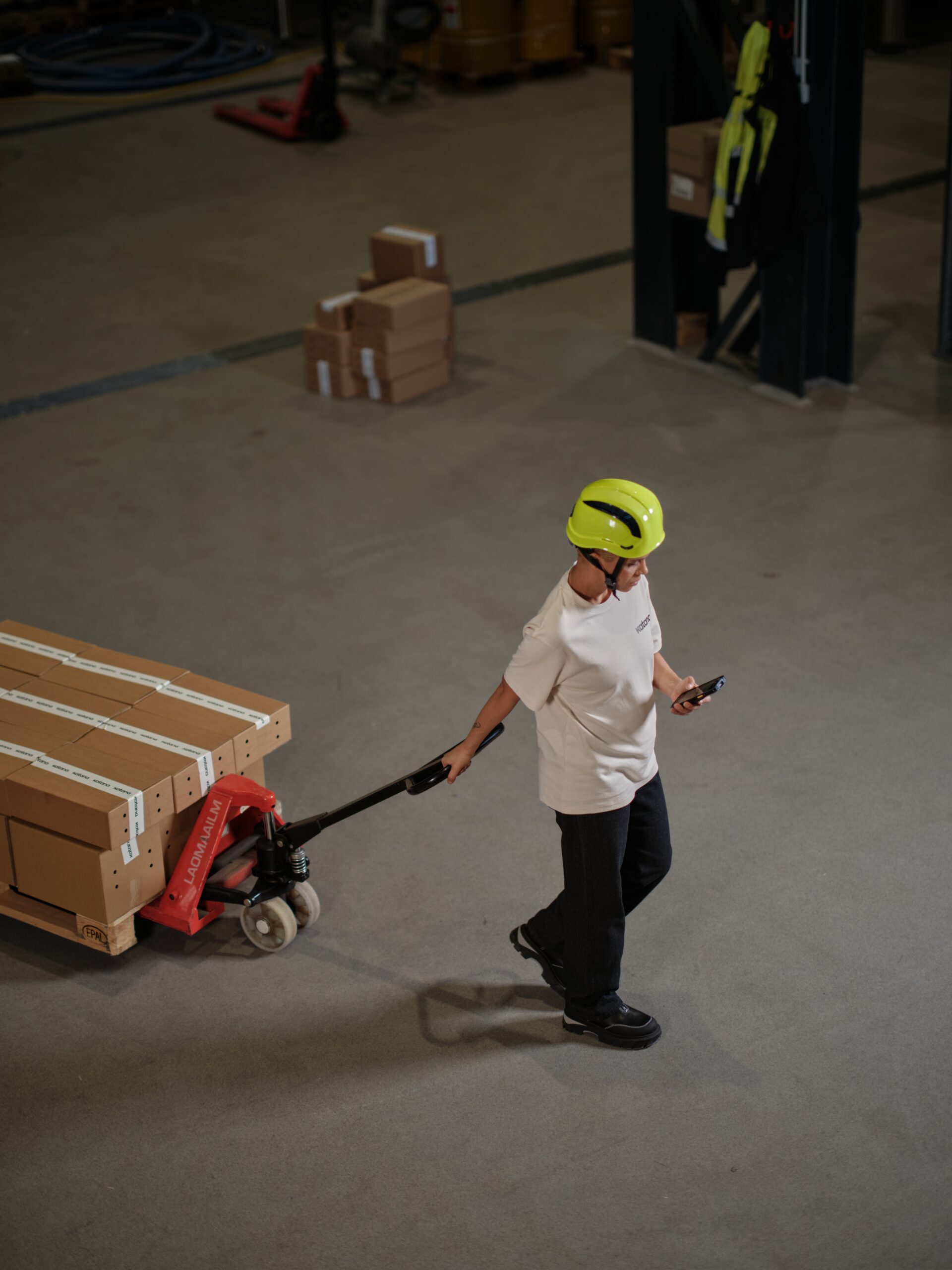
More manufacturers are moving production closer to their main markets.
In the U.S., companies have announced over 2 million reshoring and foreign direct investment (FDI) manufacturing jobs since 2010. Recent reports show the trend continuing into 2024 and early 2025, with high and medium-high-tech industries driving most of the new projects.
These moves pull supplier networks along with them. One recent example: GE Appliances is moving washer and dryer production from China to its Appliance Park complex in Kentucky, backed by a $490 million plant investment and hundreds of new jobs.
In Mexico, the number of industrial parks grew from 273 in 2019 to 460 by the end of 2023, largely driven by manufacturers serving the U.S. market.
Product companies want shorter lead times and less exposure to disruption from long shipping routes. More regional plants and contractors create more options. A small cosmetics brand in Europe can work with a nearby contract manufacturer. A home-goods label in the U.S. can move a stable product line to a partner in Mexico or back to a smaller domestic facility. The hard part is running those setups while staying on top of inventory and orders and keeping a clear view of costs.
What needs to change in operations to bring production closer to home? That’s what we cover in this article, along with the software that helps you handle that change using tools you already have in place: your e-commerce platform, CRM, shipping systems, and accounting software.
What nearshoring changes in daily operations
- Inventory spreads across more locations
Materials and finished goods stop living in one main plant and one home warehouse. You might hold ingredients at a port and finished units at a nearshore facility; extra stock can sit at a 3PL closer to customers. Each move adds a point where data can fall out of sync if it’s handled in email or spreadsheets.
- Production becomes a mix of in-house and outsourced work
Nearshoring projects often start with a hybrid model. For example, SKUs that change often stay in the original plant while a stable line moves to a contract manufacturer. In some setups, sub-assemblies are produced nearshore and final assembly is done at home. That raises new questions: which BOM applies where, how to track materials sent to partners, and how to see total capacity across both.
- Order routing gets more flexible and more fragile
The same SKU might be produced in more than one place and shipped from multiple warehouses. You might want EU orders to ship from a nearshore-plus-3PL setup, while local retail partners are supplied from your original site. If order data sits in separate tools per channel, it becomes hard to decide who should make and ship what in time.
Companies see different freight routes, local wages that don’t match offshore rates, and tariffs that apply differently by product and route. Reshoring data from 2023–2024 shows industrial policy and trade as major reasons manufacturers adjust their footprint, which means the economics will keep evolving. The right tech stack makes it easier to see those changes early and react.
What your tech stack needs to handle when you nearshore
Think in terms of jobs your systems need to do once a nearshore production site, contractor, or 3PL enters the picture.
Once you add a nearshore location, the job of the tech stack is to keep demand, stock, production, and cash in sync across locations. In practice, that means covering five areas.
2.1 Multi-location inventory and basic traceability
You’ll want to see, in one place:
- What stock you hold in each production site, warehouse, and 3PL
- How batches or lots, expiry dates, and (where required) serial numbers are tracked across those locations, especially in regulated categories such as food, cosmetics, or medical devices
- What is currently on the road between locations
Without that, nearshoring tends to produce duplicated safety stock, stockouts in the wrong place, or promises against stock that is already reserved for production or other orders.
2.2 Hybrid production control
A nearshore strategy often combines:
- Work done in your own facilities
- Fully outsourced production at contract manufacturers
- Partially outsourced flows where some operations are external and the rest internal
The stack should let you:
- Keep a central view of demand and production orders
- Signal clearly which location or partner is responsible for which operations
- See costs that include material, in-house labor, and contractor fees
- Examine operations when you need to see time and labor cost per step, including work that is split across locations
2.3 Demand capture from all channels
Nearshoring decisions only work if they match actual demand patterns. Orders rarely flow through a single system. In most SMBs, they arrive through:
- Online stores and marketplaces
- B2B sales processes in CRM
- Manual or legacy channels
Your operational core should receive these orders, tagged with enough information to route them (region, channel, product mix). Then your team or an automation layer can assign them to the right location or warehouse based on stock and capacity.
2.4 Shipping, 3PLs, and external warehouses
Shipping tools and WMS / 3PL platforms handle:
- Label generation
- Carrier selection and rules
- Day-to-day warehouse workflows
The rest of the stack needs a simple view of:
- Which orders have shipped, with tracking where needed
- How much stock each warehouse or 3PL is holding
Nearshoring increases the number of external warehouses in play, especially in places like Mexico and Eastern Europe where industrial parks have expanded quickly. That makes this visibility even more important.
2.5 Accounting, landed costs, and tariffs
Tariff policy and industrial incentives are major reasons manufacturers adjust their footprint. For SMBs, it comes down to whether the product remains profitable after moving.
To stay on top of that you’ll want:
- Reliable COGS and stock values flowing from the operational layer into accounting
- Major cost components – materials, in-house production, contractor fees, freight, duties – captured in a way finance can use
- A realistic way to compare offshore vs nearshore costs per SKU or family
2.6 Light automation between systems
Manual re-keying doesn’t survive an extra location or 3PL. You don’t need full custom integrations for everything, but you do benefit from:
- A way to trigger actions when deals close in CRM, stock dips at a location, or shipments go out
- A way to move order and inventory data between systems on a schedule, without exports and imports
Tools like Zapier, Make, and vendor APIs cover this layer for most SMB use cases.
With this checklist in mind, we can look at how a Katana-based stack can cover these jobs in a practical way.
Building that stack with Katana and existing tools
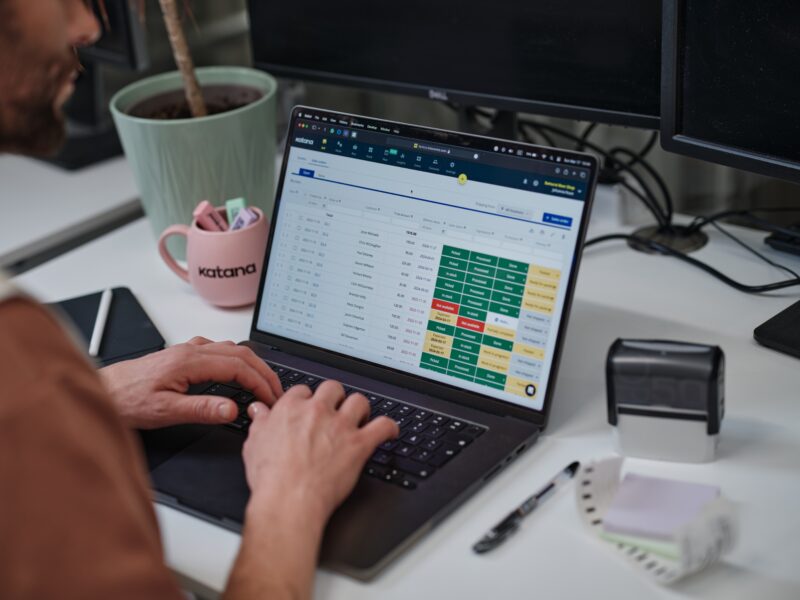
Now to the practical side: what this looks like with Katana as your manufacturing and inventory system, and your existing tools around it.
3.1 Map your locations and flows in Katana
Katana lets you create multiple locations and track stock and production separately in each one.
For a nearshoring setup, that usually means:
- One location per production site (home and nearshore)
- One location per contract manufacturer or co-packer
- One location per internal warehouse or 3PL hub
You can then:
- See on-hand stock and open orders per location
- Use stock transfers to move materials from a port or home warehouse into the nearshore site
- Move finished goods from the nearshore site into regional 3PLs
This gives operations and sales a reliable view of what is available where.
3.2 Represent in-house and outsourced production
Katana supports both internal and outsourced production workflows.
For in-house sites:
- You define BOMs and operations once
- You create manufacturing orders at each production location
- Teams use the Shop Floor App to see their tasks, log time, and mark operations complete
When you work with a nearshore partner (contract manufacturer, co-packer, or assembler):
- You treat the partner as a location
- You create an outsourced purchase order (OPO), which reserves the required materials and tracks the contractor’s operations and fees.
- You send materials to the partner using a purchase order or a stock transfer from your own location to the contractor’s location.
- You receive finished items from the OPO into your destination warehouse or another specified location.
- Katana then calculates the finished product cost from the contractor’s purchase price, any landed costs you add (such as shipping or handling), and the average cost of the ingredients issued to the OPO.
This approach keeps all production, internal and external, visible in one schedule.
3.3 Pull in orders from ecommerce and CRM
Katana connects directly to major ecommerce tools:
- Shopify – imports open orders into Katana, syncs changes, and keeps stock aligned between your store and Katana
- BigCommerce – syncs orders, customers, products, and fulfillment status while keeping inventory and related production in control
- WooCommerce – pulls open sales orders into Katana and keeps fulfillment statuses in sync between both systems
You can connect many other ecommerce channels via Extensiv Integration Manager or automation tools such as Make and Zapier, including marketplaces like Etsy, eBay, Faire, or TikTok Shop.
For B2B, Katana integrates with HubSpot, and you can also link other CRMs through Make or Zapier:
- HubSpot deals marked as won can create sales orders in Katana
- Customer and item data can flow with them, reducing manual entry
In Katana, each ecommerce store or CRM pipeline is mapped to a default location when you set up the integration. Sales orders sync into that location by default; if you want different routing, you can change the location on the order, use automation via Make or Zapier, or let an OMS/3PL layer such as Extensiv handle routing rules before orders sync into Katana.
3.4 Connect shipping tools and 3PLs
You can keep your existing shipping setup and still use Katana as the reference point for stock and orders. The typical pattern:
- Katana holds stock and order data per location
- Integration tools and shipping/WMS platforms such as Extensiv Integration Manager, ShipStation, Shippo, or ShipHero handle labels, carrier logic, and warehouse workflows
- 3PLs appear as locations in Katana so you always know how much stock they hold
Orders flow from Katana to your shipping tools and 3PLs (via Extensiv or direct integrations), and when items ship, fulfillment status syncs back into Katana and out to your ecommerce platforms, giving commercial and operations teams a single view of order status across locations without logging into each 3PL’s system.
3.5 Link accounting and costs
On the finance side, Katana integrates with QuickBooks Online and Xero.
With those links active:
- Sales invoices and purchase bills sync between systems
- COGS and stock valuations can draw on Katana’s view of materials and production
- Freight, duties, and contractor fees can be handled through your usual accounting practices while still tying back to item costs
That combination gives you a clearer picture of SKU-level margins when you move work nearshore, rather than relying on rough averages.
3.6 Add a small amount of automation
Katana exposes an API and works with automation tools like Zapier , Extensive and Make.
Useful nearshoring-related automations include:
- Creating Katana sales orders when CRM deals for a given region close
- Raising purchase orders when a key material at a nearshore site drops below a threshold
- Updating Katana order status when a shipment is marked as fulfilled in ShipStation or Shippo
You don’t have to automate everything. Two or three high-volume workflows are usually enough to remove a lot of manual updates and make a nearshore setup easier to run day to day.
Where to start with nearshoring in your stack
You don’t need to redesign your whole operation to test nearshoring. A contained pilot with one product line is usually enough to see if the approach works.
A simple way to start:
Pick one product line and one partner
Choose a stable product line and a single nearshore site or contractor. Add that partner as a location in Katana alongside your current sites, warehouses, and 3PLs. Decide which orders or regions this line should cover first.
Run a live trial through your existing tools
Keep using your current ecommerce store, CRM, shipping tools, and accounting system. Make sure they feed into Katana as described above, then route that one product line through the new nearshore location: materials out, finished goods back in, stock on to the 3PL or warehouse. Keep everything else as it is.
Review service and margins, then repeat
After a few production and fulfillment cycles, compare lead times, stockouts, and margins for the nearshored line against a similar line that stayed where it was. If the results look good, extend the pattern to more SKUs or another partner; if not, you’ve learned what needs adjusting without putting your whole catalog at risk.
With this approach, nearshoring becomes a set of small, repeatable changes.
Katana ties together locations, partners, sales channels, accounting, and logistics, so each new nearshore move can follow a pattern your team already knows. You can test this setup in Katana with a free account by mapping your first nearshore location and running a small pilot, and if you need a more tailored rollout you can also talk to our team about onboarding support.
Get inventory trends, news, and tips every month
Explore all categories
Get visibility over your sales and stock
Wave goodbye to uncertainty with Katana Cloud Inventory — AI-powered for total inventory control
