
Multi-location inventory management software
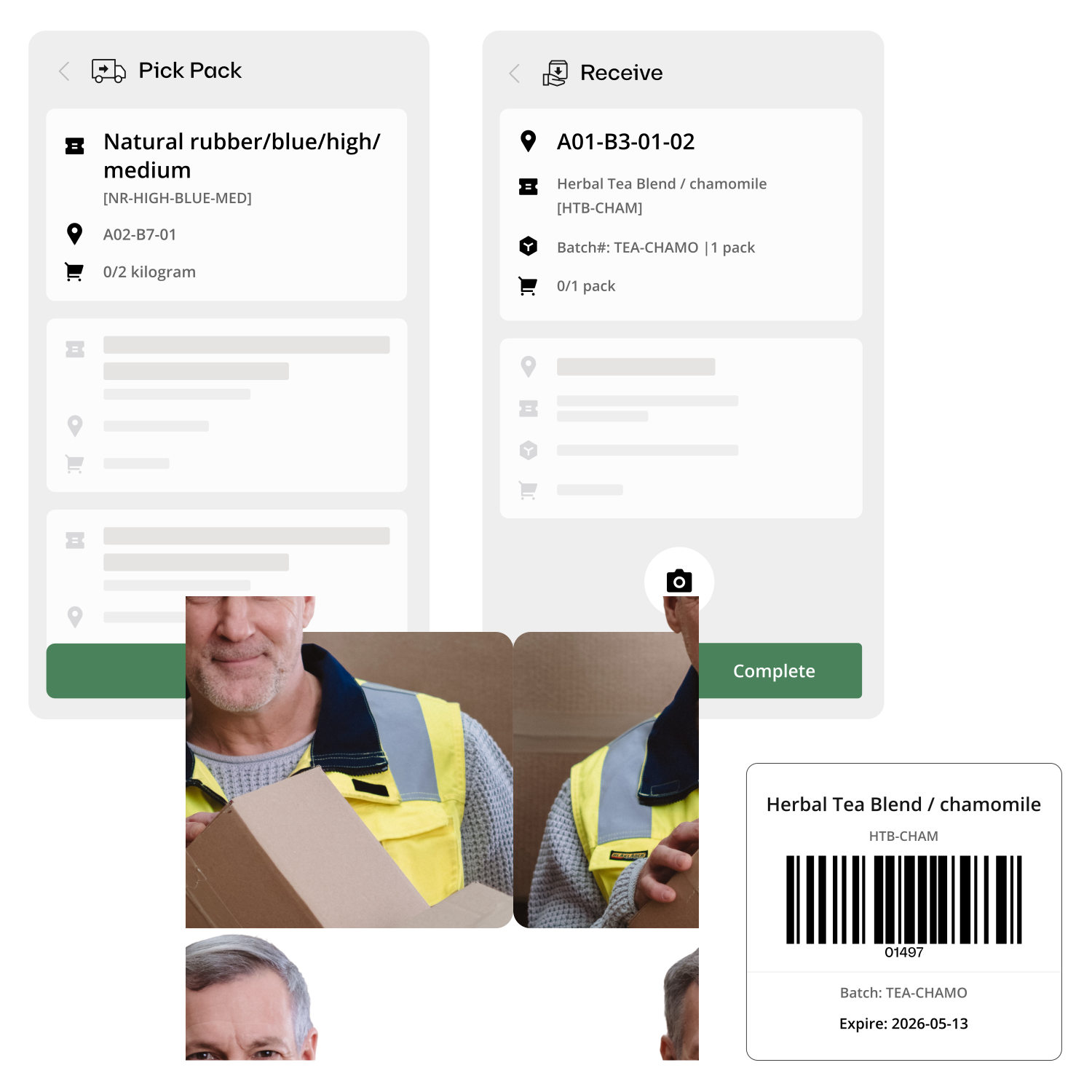
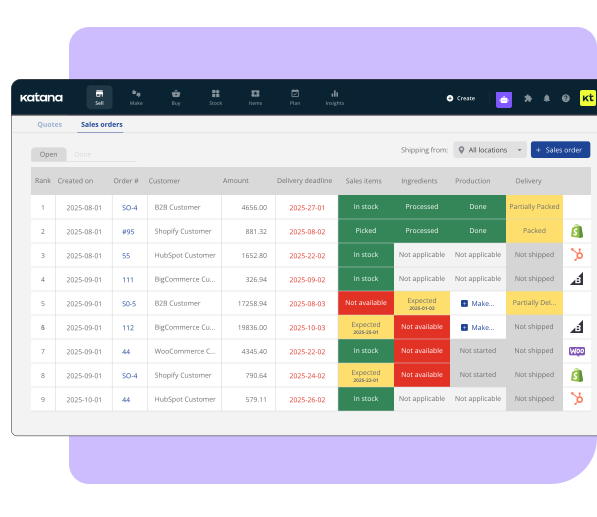
Stop calling between warehouses to check stock. Katana gives you a single dashboard showing live inventory across every location – warehouses, production floors, distribution centers – with instant stock transfers and location-specific reorder points.












Why businesses need multi-location inventory tracking
Multi-location inventory management software tracks stock levels across multiple warehouses, production facilities, and distribution points from one central system. It provides real-time visibility into what’s available at each location, enables stock transfers between sites, and supports location-specific reorder points – eliminating the spreadsheet-per-warehouse approach that causes discrepancies and delays.

One dashboard, every location
See stock levels at your main warehouse, production floor, distribution center, and retail locations, all from one screen, with no switching between spreadsheets or calling branch managers.

Instant stock transfers
Move inventory between locations with a few clicks. Both warehouses update in real time. No email chains, no manual adjustments on both ends, no reconciliation headaches.

Per-location reorder points
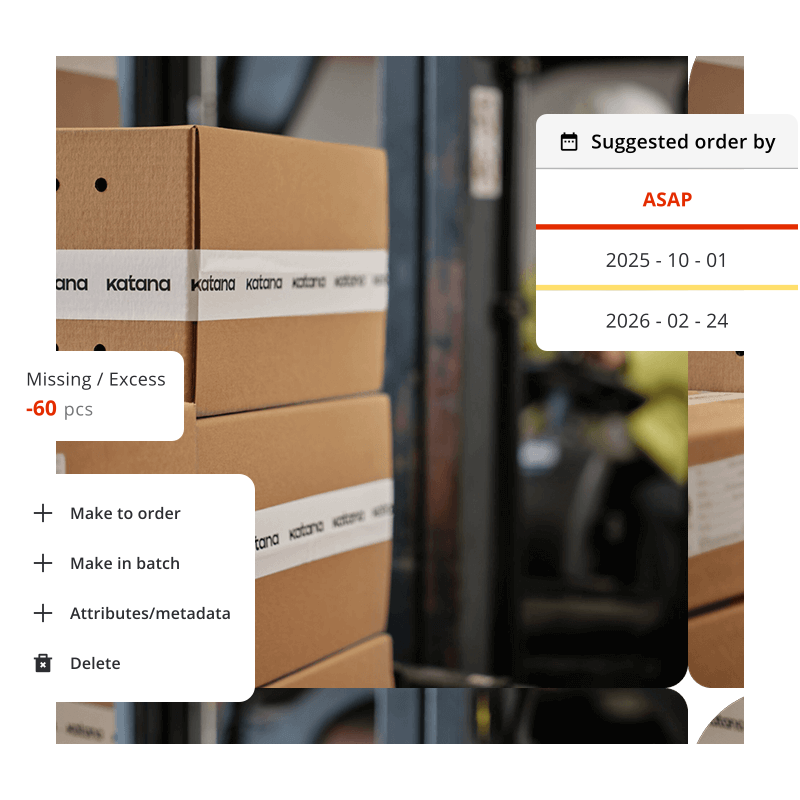
Different locations have different demand. Set unique reorder thresholds for each warehouse so your main facility stocks differently from your branch locations.
The problem with managing inventory across locations
When you operate from two or more locations, a single spreadsheet breaks down immediately. Each warehouse starts its own tracking system. Stock transfers happen by phone call. Nobody knows the true total across all sites.
The result: excess stock sitting in one location while another runs out. Emergency orders placed because nobody realized the other warehouse had 500 units available. Production delays because raw materials were at the wrong site.
“I can transfer stock from one warehouse to another — we do a lot of that transferring back and forth between our main warehouse and then our different branches.”
— Multi-location manufacturer using Katana
Stock transfers that actually work
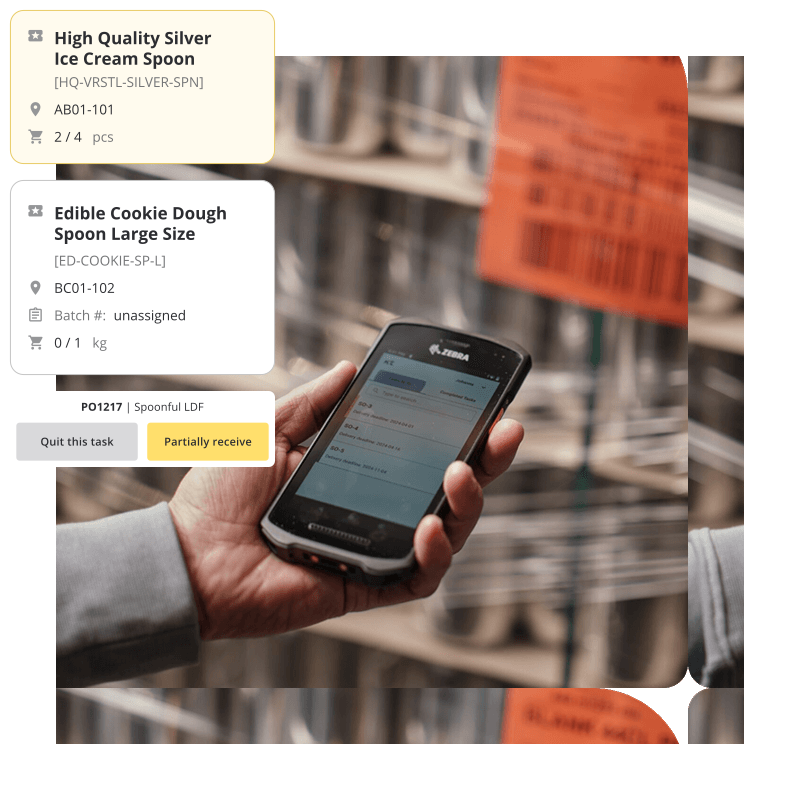
In Katana, transferring stock between locations is a tracked, auditable process — not an informal “I took 50 units from Warehouse B” that nobody logs.
- Initiate transfers with item, quantity, source, and destination
- Both locations update in real time — no manual reconciliation
- Full audit trail: who transferred what, when, and where
- Transfer history visible to all team members across locations
“We have three to ten locations depending on which package. The key is seeing everything from one place.”
— Katana customer
Running multiple locations with separate spreadsheets?
Unify your inventory view. Katana shows every warehouse, every item, and every stock movement from one dashboard, with real-time sync between locations.
Katana vs. spreadsheets vs. ERP for small manufacturers
Challenges
Spreadsheet approach
Katana
Seeing total stock across all sites
Sum across multiple sheets (often outdated)
One dashboard, real-time totals
Stock transfers
Email/phone + manual adjustment in both sheets
Tracked transfer, both sides update live
Reorder decisions
Check each location’s sheet separately
Per-location reorder points, auto-alerts
Audit trail
No record of who changed what
Full log: user, timestamp, quantities
New location setup
Clone spreadsheet, start fresh
Add location in settings, start tracking
Explore Katana’s inventory capabilities
Frequently asked questions
Multi-location inventory management software tracks stock levels at each physical location (warehouses, production facilities, retail locations, distribution centers) from one central dashboard. Stock transfers between locations update both sides in real time, and reorder points can be set per location to account for different demand patterns.
Katana supports multiple warehouse locations depending on your plan tier. Each location gets its own stock tracking, reorder points, and transfer capabilities. All locations are visible from a single dashboard with real-time updates.
Yes. Katana supports stock transfers between any of your locations. When you initiate a transfer, the sending location’s stock decreases and the receiving location’s stock increases, both updating in real time. Every transfer is logged with timestamps, quantities, and the user who initiated it.
See all your locations from one screen
Start free with Katana. Set up your warehouses, track stock movements, and manage transfers — all from one dashboard with real-time sync.
