
Keep Shopify and Katana in sync — automatically
MESA connects Shopify and Katana through automated workflows — keeping orders, inventory, and product data in sync without manual updates or custom development.
Overview
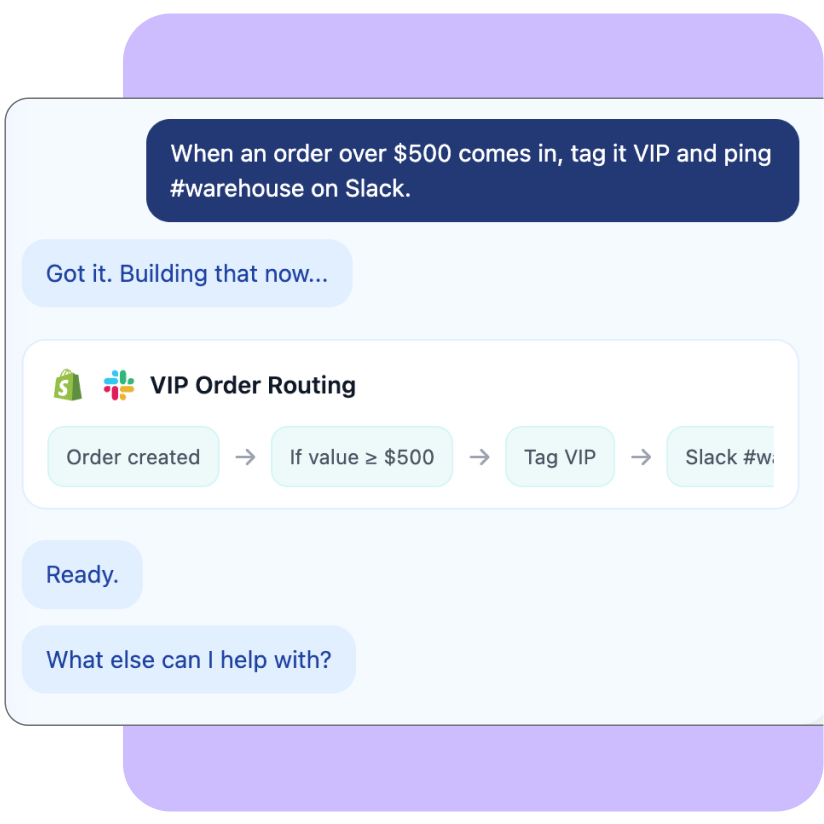
MESA is a no-code automation platform that connects your Shopify store with Katana. It enables merchants to build automated workflows that keep order, inventory, and product data synchronised across both systems — eliminating manual updates and reducing the operational friction that slows growing manufacturing businesses. Choose from pre-built templates for a fast start or customise workflows to match your exact processes in MESA’s visual builder.
Who it’s for
Shopify merchants who use Katana for manufacturing and need their ecommerce and production systems to stay automatically aligned as they scale.
Why it’s useful with Katana
When Shopify and Katana aren’t connected, data gaps create overselling, production delays, and hours of manual data entry. MESA bridges that gap with no-code automation workflows that move data between both systems in real time — syncing orders, inventory levels, and product details without custom development or ongoing maintenance.
How it works
- New Shopify orders are automatically sent to Katana for production and fulfillment
- Stock levels sync from Katana back to Shopify to prevent overselling
- Product and variant details update across both systems without repetitive data entry
- Notifications, tasks, or downstream actions trigger automatically when production statuses change in Katana
How to get started
- Go to getmesa.com and create your MESA account — every plan includes a 7-day free trial
- Connect your Shopify store, then choose a workflow template from MESA’s library or start from scratch in the workflow builder
- In your workflow, click Add Account and select Connect with Katana
- Log in to your Katana account if prompted, then complete the connection process
- You’re connected — MESA will now keep your Shopify and Katana data in sync automatically

Name
MESA — Shopify + Katana Automation
Category
E-commerce
Build by
ShopPad, Inc.
Pricing
Free 7-day trial included — paid plans available
Support
[email protected]


Manufacturing workflow optimization

Production & margin visibility optimization

SKU & BOM structural cleanup

3PL & fulfillment integration

Disassembly & reverse production workflow

QuickBooks Desktop to QuickBooks Online migration

Historical order migration to Katana

Add new row keyboard shortcut
