
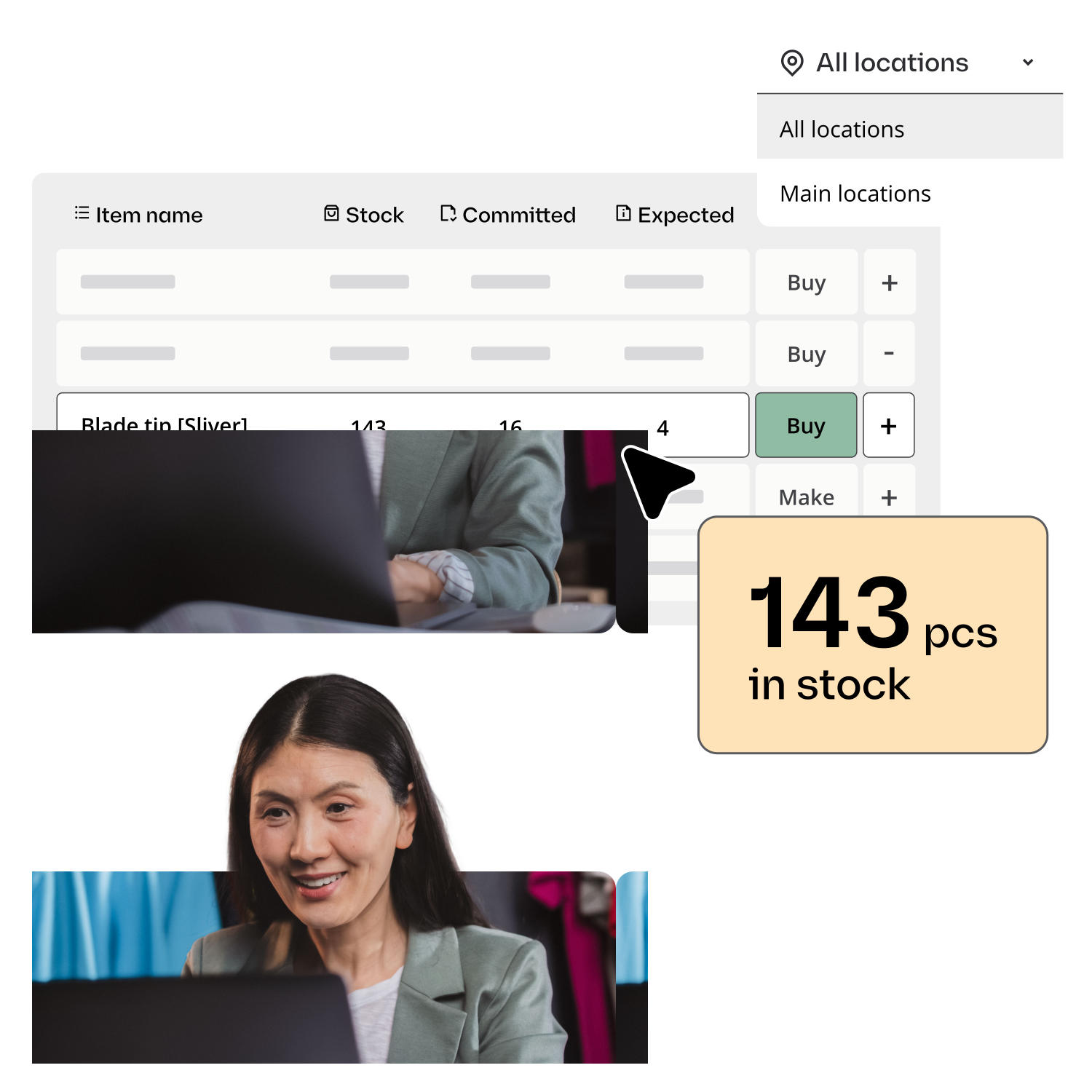
Automated inventory management software
Stop manually checking stock levels, chasing purchase orders, and updating spreadsheets. Katana automates reorder points, purchase order generation, sales channel sync, and material deductions, so your team works on production, not paperwork.














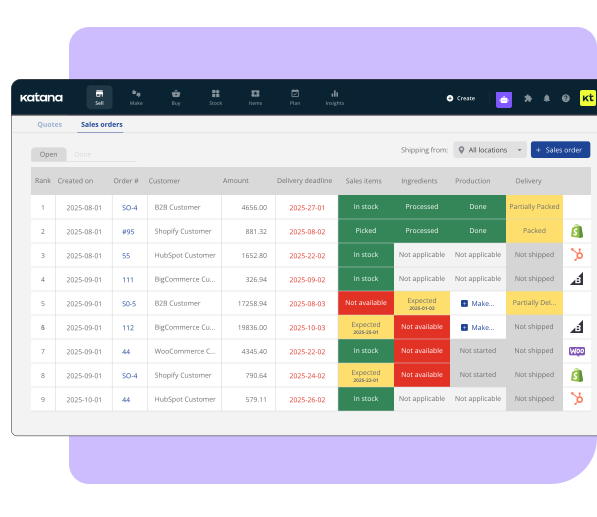
What Katana automates for manufacturers
Automated inventory management software uses rules-based automation to handle repetitive stock tasks: triggering reorder alerts when materials drop below set thresholds, auto-generating purchase orders, deducting raw materials during production based on bills of materials, and syncing stock levels across sales channels in real time. This eliminates manual spreadsheet tracking and prevents stockouts caused by delayed human updates.

Reorder point alerts
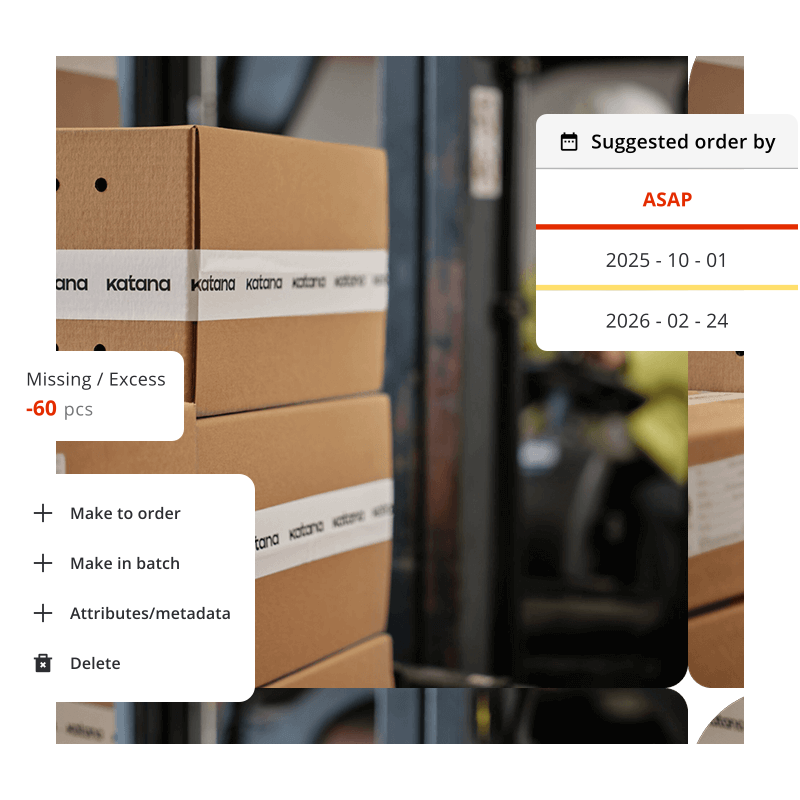
Set minimum stock levels for any material. When inventory drops below the threshold, Katana alerts your team immediately, before you run out and production stops.

Purchase order generation
When materials need restocking, Katana auto-generates POs with the right supplier, right quantity, and right pricing. Your team reviews and sends. No manual cross-referencing.

BOM-based material deduction
When a production order completes, raw materials are automatically deducted based on bills of materials. No manual adjustment, no forgotten updates.
Never run out of raw materials again
In a spreadsheet, nobody notices that Component A is running low until production grinds to a halt. With Katana, you define the safety stock level once, and the system handles the rest.
- Set reorder points per material, per warehouse
- Configure safety stock levels to account for lead times
- Visual indicators on dashboard — green/yellow/red stock status
- Email or in-app notifications when thresholds are hit
“Set reorder points and it will just suggest you that you need to restock. As soon as something dips below that reorder point, you’ll know right away.”
– Katana product specialist

Auto-sync every sales channel
When a customer orders on Shopify at 2 AM, you don’t want to find out at 9 AM that you’ve oversold. Katana automatically imports sales orders and adjusts stock levels within seconds — across Shopify, Amazon, WooCommerce, and your B2B channels.
- Sales orders auto-imported from connected channels
- Stock levels adjust in real time across all channels
- Fulfillment status pushed back to Shopify automatically
- No double-selling, no manual order entry
Automatic production material deductions
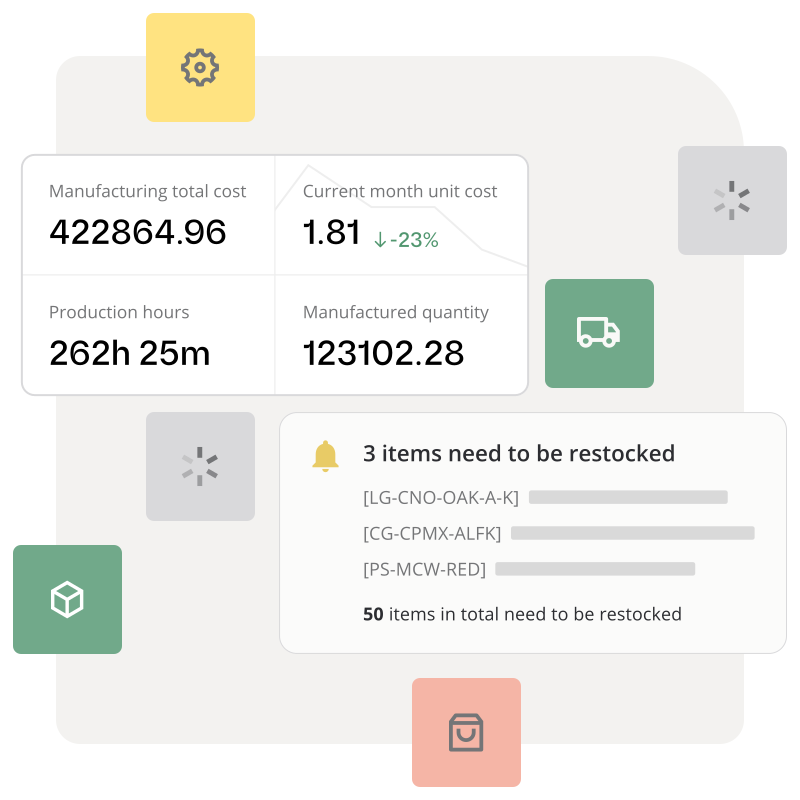
When your team completes a manufacturing order for 100 units of Product X, Katana automatically deducts the raw materials based on the bill of materials — every component, every quantity, every time.
No more end-of-day manual spreadsheet adjustments. No more forgetting to deduct scrap. The BOM is the single source of truth.
“We’re doing the same in Excel, but it’s just in a line item. There’s no automation.”
— Manufacturer evaluating Katana
How much time does your team spend on manual inventory tasks?
Manufacturers switching from spreadsheets to Katana’s automation typically eliminate 10-15 hours per week of manual stock checking, order entry, and purchase order creation.
Katana vs. spreadsheets vs. ERP for small manufacturers
Task
Manual (Spreadsheets)
Automated (Katana)
Checking stock levels
Open spreadsheet, search for SKU, hope it’s updated
Real-time dashboard — always current
Reordering materials
Remember to check weekly, calculate quantities manually
Auto-alert when below reorder point, PO pre-generated
Shopify order processing
Copy-paste orders, manually adjust stock
Auto-imported, stock adjusted in seconds
Production material tracking
Manually deduct after production (often forgotten)
BOM-based auto-deduction on order completion
Multi-warehouse tracking
Separate tabs, manual reconciliation
Unified view, transfers update both sides instantly
Explore Katana’s inventory capabilities
Frequently asked questions
Automated inventory management uses software rules to handle stock-related tasks without manual intervention. This includes automatic reorder point alerts when stock drops below set thresholds, auto-generated purchase orders sent to suppliers, BOM-based material deductions during production, and real-time stock sync across sales channels.
Yes. When a material drops below its reorder point, Katana flags it and can auto-generate a draft purchase order to the correct supplier with the right quantity. Your purchasing team reviews and sends — no spreadsheet cross-referencing needed.
Key automations include: reorder point alerts, purchase order generation, sales order import from Shopify/Amazon/WooCommerce, raw material deduction based on bills of materials, low-stock notifications, and fulfillment status updates pushed back to sales channels.
Let software handle the repetitive work
Start automating inventory management today. Katana’s free plan includes reorder points, sales channel sync, and BOM-based tracking. No credit card required.
