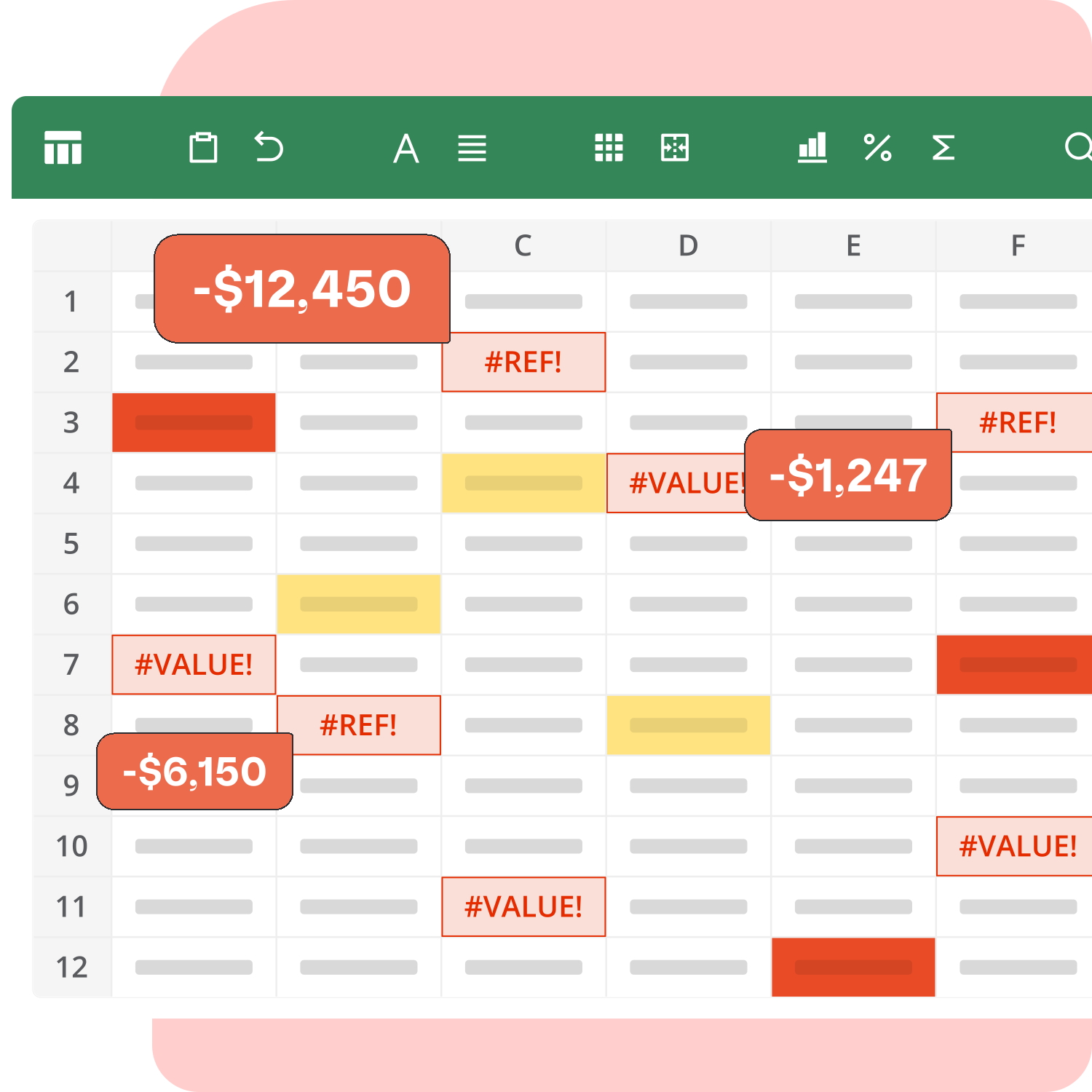
From spreadsheets to Katana
When did spreadsheets start slowing you down?
When you’re selling across multiple channels and locations, spreadsheets can’t do the job. Get live stock control that works with your existing tools and switch over in a few short weeks.

Should you be on spreadsheets?
If you’re a growing product business, the answer is: likely not.
Spreadsheets are a natural starting point for inventory management, but they don’t scale. As the number of sales channels and inventory locations grow, so does ops complexity – which doesn’t pair well with manual updates.
Multi-location inventory requires real-time updates across warehouses, and multichannel selling requires every platform to see the same stock numbers at the same moment. Spreadsheets punish you for growth: manual work compounds, and the more you grow, the bigger the lag between your numbers and reality.
Out-of-sync inventory costs you twice: first in stockouts and overstock, then in manual labor.
Spreadsheets can’t keep up with the pace of orders, so by the time the data is processed, it’s often outdated. You oversell out-of-stock items or miss potential sales, then waste hours manually reconciling spreadsheets.
The real-time inventory alternative to spreadsheets
Katana solves stockouts and overstocks through real-time inventory control built for multichannel businesses, without any of the ERP overhead.
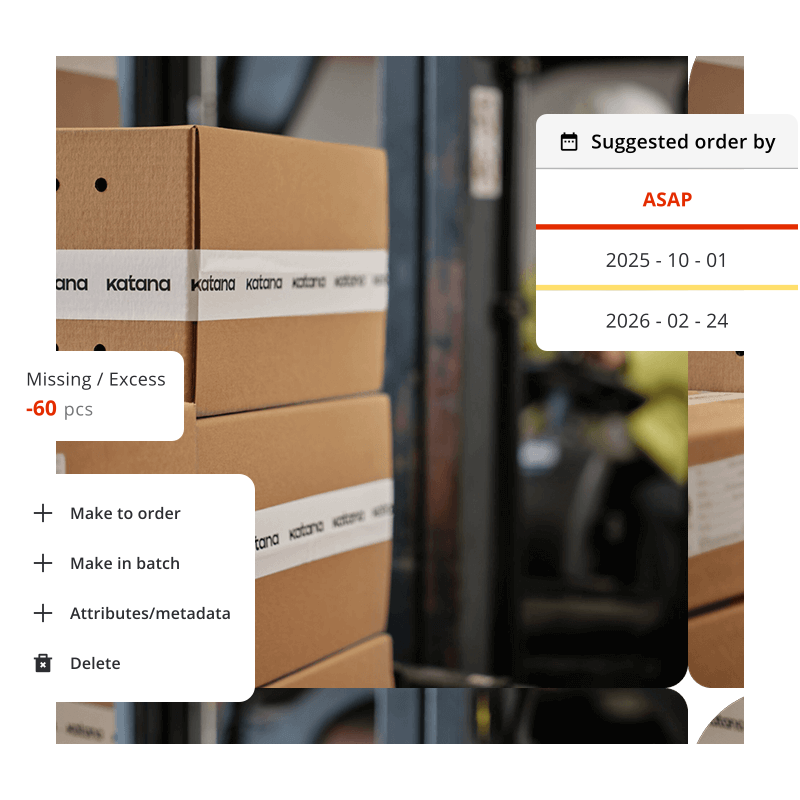
Keep stock and orders in sync as you grow
Katana replaces spreadsheet inventory tracking with a live system that updates as work happens. When an order is confirmed or stock is received, inventory adjusts in the same place your team manages it. The number you see reflects current availability.
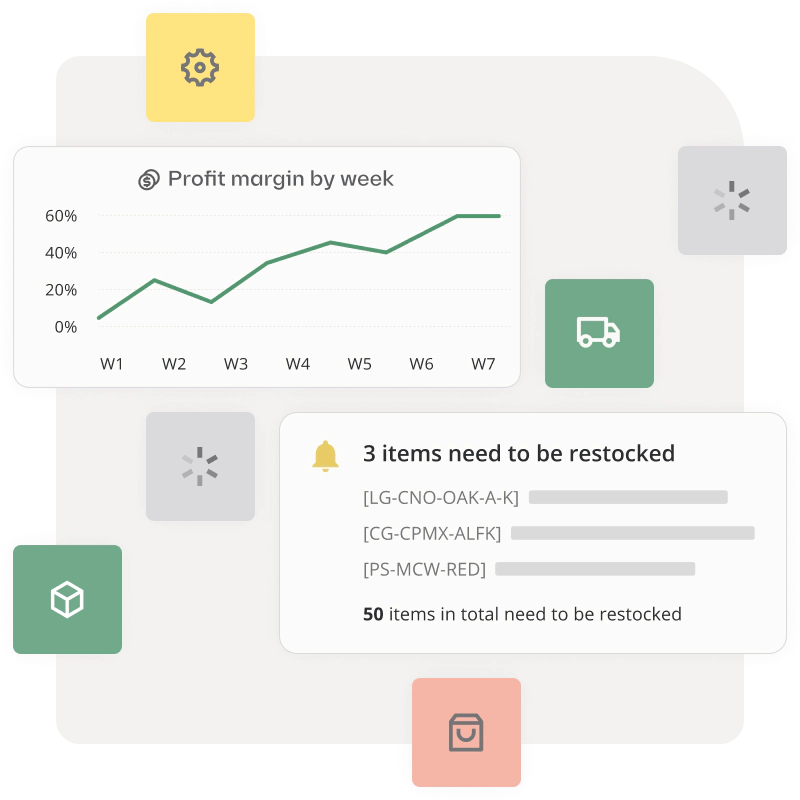
Forecast demand with live inventory data
Katana helps teams plan ahead by combining live sales signals with current stock levels. You can forecast demand using historical and real-time data, and use that to plan replenishment before stock runs low.

Connect the tools you already use
Katana connects with your ecommerce platforms, accounting software, shipping tools, and other business systems. Orders sync automatically, stock updates flow across channels, and inventory movements match your financial records.
- Native integrations with Shopify, WooCommerce, BigCommerce, and more
- Direct connections to QuickBooks Online and Xero for accounting sync
- Shipping and 3PL integrations including ShipStation and ShipBob
- CRM connections through Make and Zapier
- Stock levels update across all sales channels as orders process
See it for yourself
See what real-time inventory looks like in practice. Katana connects ecommerce platforms, locations, and 3PLs to keep stock current as orders process. Orders flow to fulfillment, and stock remains accurate across locations without spreadsheet reconciliation.
Spreadsheets vs Katana:
The practical differences
What changes when you switch from spreadsheets to real-time inventory software?
Here’s a side-by-side look at how spreadsheets and Katana handle the core requirements of multichannel inventory management.

|

|
|
|---|---|---|
| Data consistency | Single source of truth | Multiple versions |
| Reporting & analytics | Built-in dashboards | Manual pivot tables and formulas |
| Multi-location stock updates | Live updates across locations | Manual entry per location |
| Channel inventory sync | Auto sync to channels | Export and upload to each |
| Stock allocation | Auto allocation | Manual tracking |
| Stock visibility | Single view | Check multiple tabs |
| Reorder timing | Low-stock alerts | Manual calculations |
| Tool connections | Native integrations | Manual exports/imports |
| Access control | Custom user permissions | File or sheet level |
| Change tracking | Variant-level tracking | Cell change history |
| Order workflow | Connected workflow | Manual handoffs |
| Movement tracking | Event-sourced | Manual notes |
| Batch tracking | Full traceability | Separate columns |
| Material planning | Auto ingredient allocation | Formula-based |
| Barcode scanning | Built-in scanning | Manual entry |
| Cost tracking | Real-time tracking | Month-end updates |
Get a demo and see why our customers love us

Moving away from spreadsheets couldn’t be easier
Fear not: switching from spreadsheets to Katana isn’t a long project. Many teams are set up and live in as little as six weeks with guided onboarding. You’ll have a clear plan with regular check-ins, and help from a real person throughout.

Step 1: Import your spreadsheet
First, bring your existing spreadsheet. Katana’s team helps you import all relevant data – products and materials; stock levels by location; suppliers; open orders and more.
During setup, your onboarding manager helps you spot duplicates, naming issues, and unit mismatches. Review everything before it goes live – nothing gets finalized without your approval.

Step 2: Connect your channels and tools
Next, connect the tools you rely on – for example Shopify, WooCommerce, and QuickBooks.
In live calls, your onboarding manager helps you set up Katana around how your team runs orders today. You’ll confirm how sales orders should flow into fulfillment or production, and check that stock updates correctly across channels and locations.
Katana adapts to your business and processes, making the transition as smooth and easy as possible.
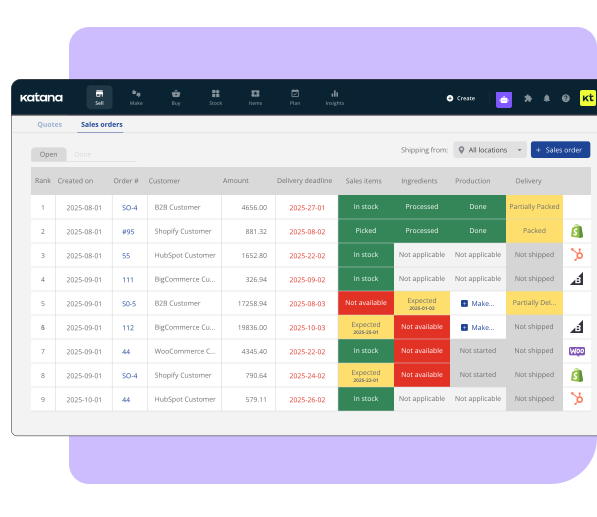

Step 3: Go live
Before launch, test that orders and stock behave as expected. Confirm opening stock levels by location, check that integrations sync correctly, and make sure your team knows where to find the numbers they need.
Once you switch over, your onboarding manager stays available with check-ins at 30 and 45 days. After that, a Customer Success Manager takes over for ongoing support and helps you access resources like Katana Academy as needed.
1500+
customers worldwide

Overall, my experience with Katana has been really, really great.

Alexander Blanchard
Operations Coordinator at Delta Development Team
Revenue has gone up because we manage more orders without hiring more staff.

Karson Hardy
Operations Director at Cornbread Hemp
Katana allowed us to consolidate everything into one platform.
Lance O’Brien
Chief Operating Officer at Mine Baseball
If I didn’t have Katana, I would be drowning in spreadsheets, which would all break at some point.

Lisa Diep
Chief Operating Officer at Peace Collective
We recovered over $40,000 in materials just by getting Katana in place. That alone paid for the system.
Gianmarco Rinaldi
Business Development Director at Found Surface
Spreadsheets and my old system just couldn’t handle how the business really works. Katana is the piece that lets me plan instead of just react.
Liz Carter
Founder at Unwilted
Frequently asked questions
During upload, Katana:
- Matches items by SKU to prevent duplicates
- Flags formatting problems and invalid data
- Checks column headers before finalizing
Direct import option: If you sell on Shopify, WooCommerce, or another connected platform, import products directly with the same variant structure.
Your onboarding manager helps you choose the right approach and reviews imported data before it goes live.
Switch when you’re managing multiple sales channels and locations. Signs you should stop using spreadsheets include regular spreadsheet reconciliation work, oversells from update lag, or hours spent on manual stock updates.
Implementation typically takes six weeks. A dedicated onboarding manager imports your data, connects your tools, and sets up workflows. The timeline includes testing and team training.
Yes. Download Katana’s import template, add your data, and upload. The system checks for duplicates and formatting errors. Products on Shopify or WooCommerce can import directly.
Katana connects with ecommerce platforms (Shopify, WooCommerce, BigCommerce, Amazon), accounting software (QuickBooks Online, Xero), and shipping tools (ShipStation, ShipBob). CRM and other tools connect through Zapier and Make. View all Katana integrations.
Katana offers a free plan (30 SKUs, 3 locations). Paid plans start at $299/month based on usage. Spreadsheets are free but create costs through oversells, stockouts, and manual reconciliation time. Visit our pricing page for details.
No. Katana integrates with your existing ecommerce, accounting, and fulfillment software.
ERPs are enterprise systems that require months of implementation and significant cost. Katana is purpose-built for multi-channel, multi-location businesses – whether you manufacture products or manage inventory across different sales channels. You get real-time stock control, order management, and manufacturing tools without the enterprise overhead. Setup takes just a few short weeks instead of months, and pricing fits growing businesses.
Try Katana with your setup
Ready to move off spreadsheets? Try the Katana Free Plan with your data, or schedule a live demo to walk through your specific setup.
