
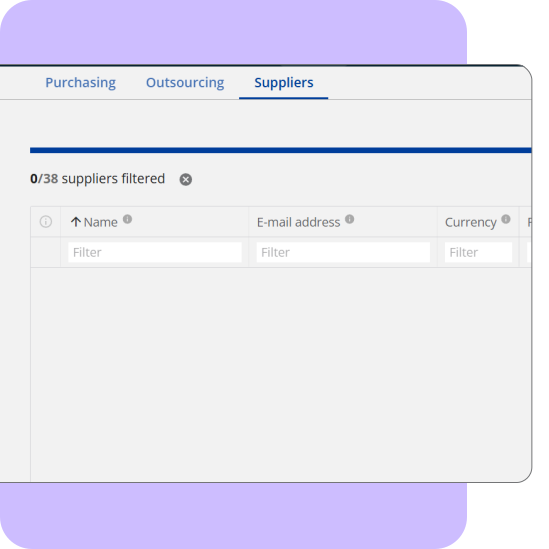
Update customers and suppliers in bulk
Export, edit, and re-import customer or supplier data using built-in change detection to update only what’s changed.
Overview
This tool exports all customers or suppliers, including address records, and uses a hashing mechanism to detect which rows changed. It updates only modified entries to minimize API usage. It supports creating new customers or addresses on import.
How does it work
- Export the customer/supplier dataset.
- Edit names, emails, addresses, or contact details.
- Import the updated file; only changed rows are updated.
- New customers/addresses are created automatically.
How to get started
- Install the Admin Panel Chrome Extension.
- Use the Customer or Supplier Import options.

Name
Customer & supplier import/export
Built by
Taylor Made Tools
Documentation
Learn more
Category
Data Management


Manufacturing workflow optimization
Audit and refine your Katana production workflows, stock reservation logic, and reporting structures to reduce friction and support operational growth.

Production & margin visibility optimization
Connect Katana production cost data with revenue performance to surface SKU-level margin insights and support confident pricing and purchasing decisions.

SKU & BOM structural cleanup
Normalize SKUs, variants, and BOM structures in Katana for clean, scalable, and integration-ready product data.

3PL & fulfillment integration
Design and implement structured sync processes between Katana and third-party logistics platforms to keep inventory, orders, and fulfillment aligned.

Disassembly & reverse production workflow
Implement controlled disassembly workflows in Katana for returns, salvage recovery, and rework, using production-based logic instead of manual stock adjustments.

QuickBooks Desktop to QuickBooks Online migration
Review and plan your migration from QuickBooks Desktop to QuickBooks Online with full Katana alignment to protect inventory valuation and reporting accuracy.

Historical order migration to Katana
Import historical sales orders, customers, and revenue records into Katana to preserve reporting continuity during system transitions.

Add new row keyboard shortcut
Adds a universal keyboard shortcut to speed up data entry in editable areas such as SOs, POs, and stock adjustments.