
Portless orders, product data, and stock levels in Katana
Katana reads orders, fulfillment status, product data, and stock levels from Portless, and creates, updates, and cancels orders in Portless.
Integration:
Portless
Website:
Category:
3PL
Type:
Native
Documentation
How it works
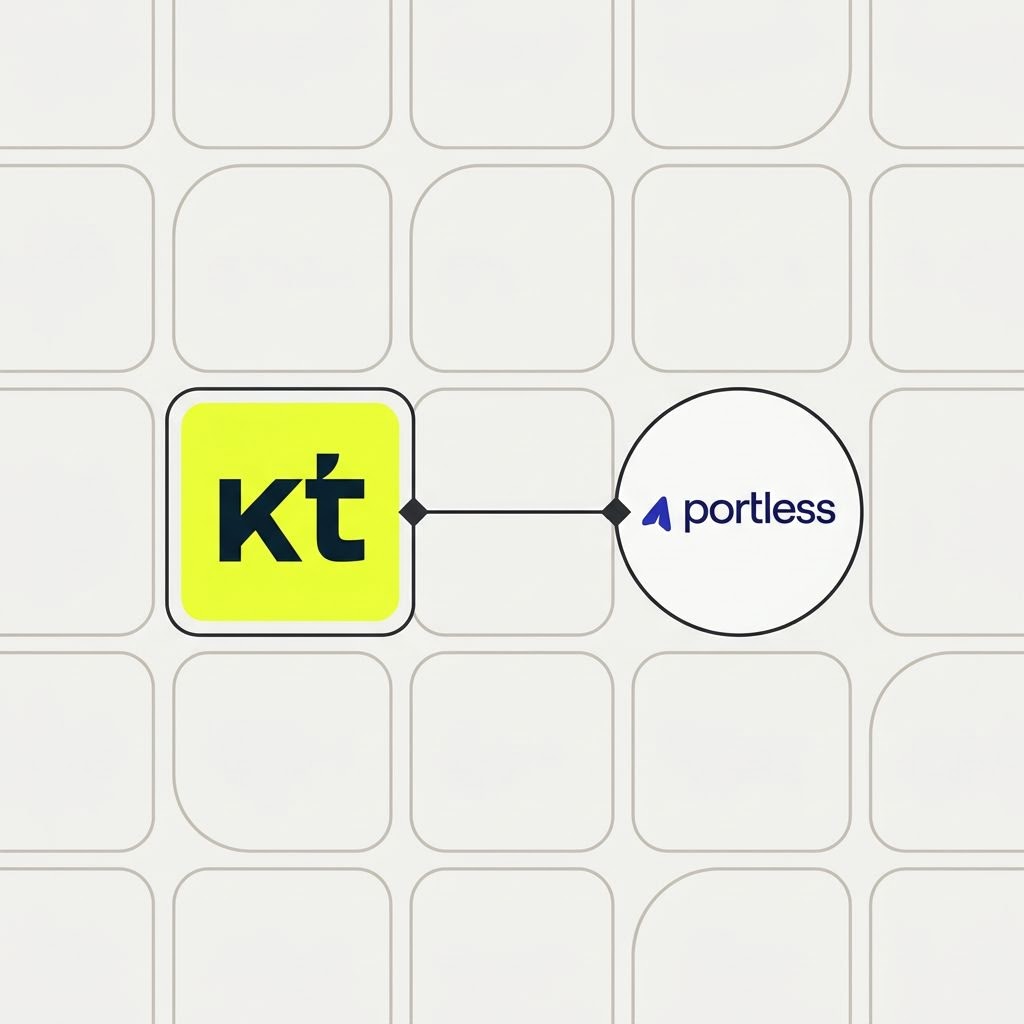
Portless is a global fulfillment partner helping ecommerce brands ship products from Asia to customers worldwide. With the Katana integration, Katana reads orders, fulfillment status, product data, and stock levels from Portless, while creating, updating, and cancelling orders in Portless.
- Manage orders in Portless Katana creates and updates orders in Portless. Katana can also cancel orders in Portless when plans change.
- Track order fulfillment status Katana reads orders and their fulfillment status from Portless, so order progress shows up in Katana.
- Sync Portless stock levels Katana reads stock levels from Portless, giving Katana up-to-date inventory figures from the fulfillment partner.
What syncs between Portless and Katana
Once Portless is connected, Katana automatically reads orders and their fulfillment status, product data, and stock levels from Portless, and creates, updates, and cancels orders in Portless. Orders, fulfillment status, and stock levels stay current in Katana without manual entry, so there is no second portal to re-check.
Orders
Katana reads orders and their fulfillment status from Portless, including per-package tracking and partial shipments, matches line items to Katana products, and creates, updates, and cancels orders in Portless.
Products
Katana reads product data from Portless, matching SKUs to existing products instead of creating duplicates, supporting manual aliases for mismatched SKUs, and importing kits as Kit/Bundle items with a BOM.
Inventory sync
Katana reads stock levels from Portless as read-only External on-hand on the mapped location, reconciling its in-stock figure on schedule or demand and logging stock adjustments to an audit trail.












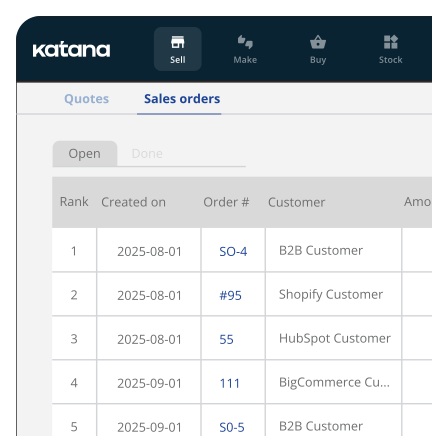
Stay on top of every order and stock movement with live updates across sales, inventory, and production
Save hours by automating order fulfillment in Katana and extending workflows with integrations, open API, and AI chats via Katana MCP.
Unlock full customization with Katana’s robust API, connecting every tool to your unique workflows
Frequently Asked Questions
Pricing for the Katana and Portless integration depends on your Katana plan and the connection method you choose. For current pricing, check the marketplace listing or reach out to Katana.
You can connect the integration directly from the Katana integrations page. Once you authorize the connection, Katana starts syncing supported data automatically.
Data flows in both directions between Katana and Portless: Katana reads orders and their fulfillment status from Portless. In the other direction, Katana creates, updates, and cancels orders in Portless.
Yes, you can connect multiple integrations at the same time, and each integration syncs independently.
Data syncs automatically on a regular schedule, and most changes show up in Katana within minutes.
Yes, Katana reads stock levels from Portless for each of your connected warehouses, so you can see and track stock in every warehouse individually.
Ready to connect to Katana?
Join 1500+ businesses running fulfillment and inventory from one place.