3PL & WMS
Sell across every channel. Fulfill from anywhere.
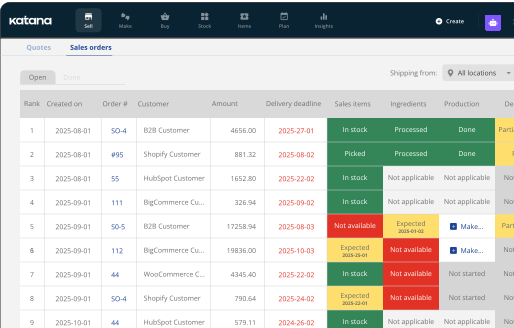
Katana connects directly to your 3PL, and pulls orders, stock, and fulfillments into Katana automatically. One live view of what’s selling and what’s shipping, across every channel and location.
Works with


100+
Every channel and 3PL, connected
Stock counts you can trust
Katana pulls your 3PL’s stock levels in and reconciles them against your confirmed orders.
Orders that update themselves
Every order your 3PL fulfills flows into Katana automatically, tracking info included.
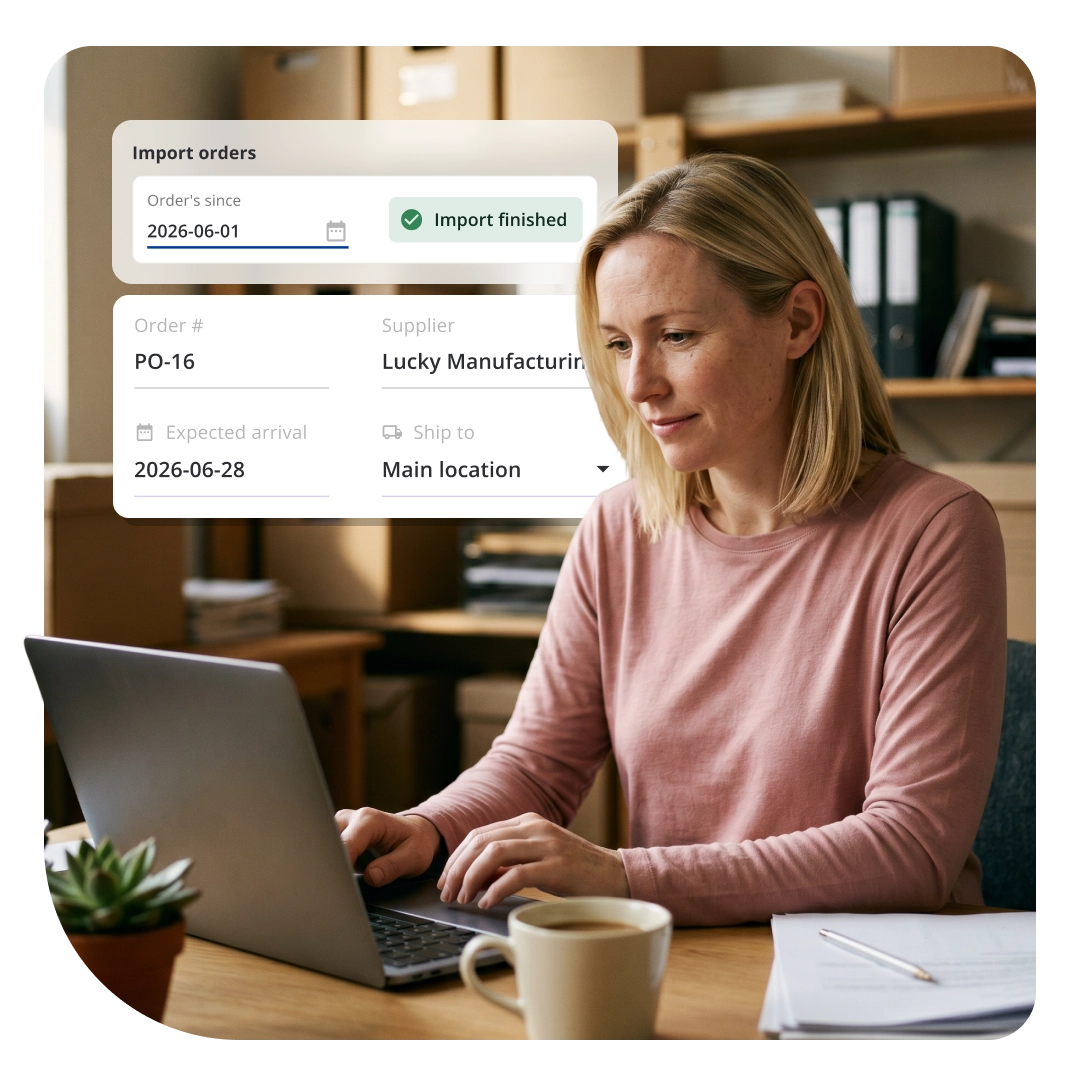
Inbound stock you can see & track
Stock you send shows up in Katana as soon as it’s received at the 3PL, no manual updates needed.
Work with any 3PL. Or all of them.
Easily connect and manage all your 3PL in one place, from ShipBob to ShipStation, ShipMonk, Mintsoft, ShipHero, and more. As your fulfillment setup grows with new regions or partners per channel, your team keeps working from a single view, with far less manual coordination and no operations to rebuild.















What flows between
Katana and your 3PL
One shared system for stock, orders, and production, built for product businesses selling across multiple channels and locations.
SALES ORDERS
Every order in one place
Your 3PL is fulfilling orders. Katana pulls them in automatically, so you’re never re-entering data or logging into a second portal just to see what’s moving.
PRODUCT SYNC
One catalog.
Zero spreadsheets.
Import your 3PL’s product catalog into Katana and match them to your existing SKUs in minutes. Set it up once and new SKUs sync in as you add them, matched to your catalog.
FULFILLMENT
Shipped. Tracked. Done.
The moment your 3PL ships an order, Katana shows what shipped and its tracking info, right on the sales order, even for partial or multi-package shipments.
COMING SOON
STOCK TRANSFERS
In transit. Not invisible.
When the stock you’ve sent arrives at the 3PL, Katana logs it automatically. Your inventory at that Katana location shows what’s actually there.
COMING SOON
INVENTORY SYNC
One number. Always right.
On a schedule you set, or anytime on demand, Katana adjusts your stock to match what’s actually available at the 3PL, and logs every change, so the number you see is always accurate.
How it works
STEP 1
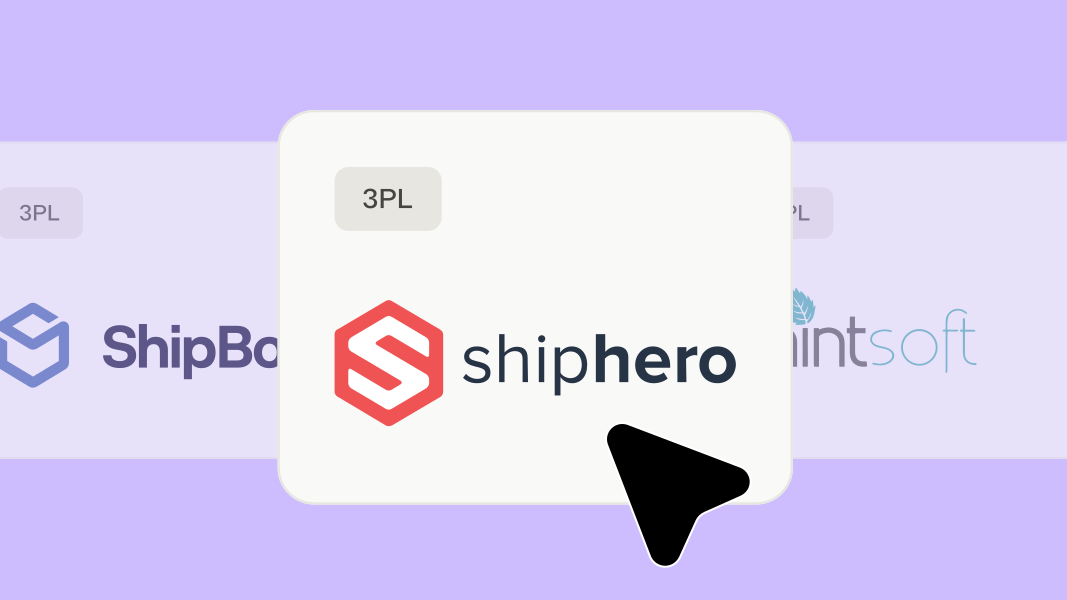
Connect
Find your 3PL in Katana’s integrations marketplace. Click connect. Done.
STEP 2
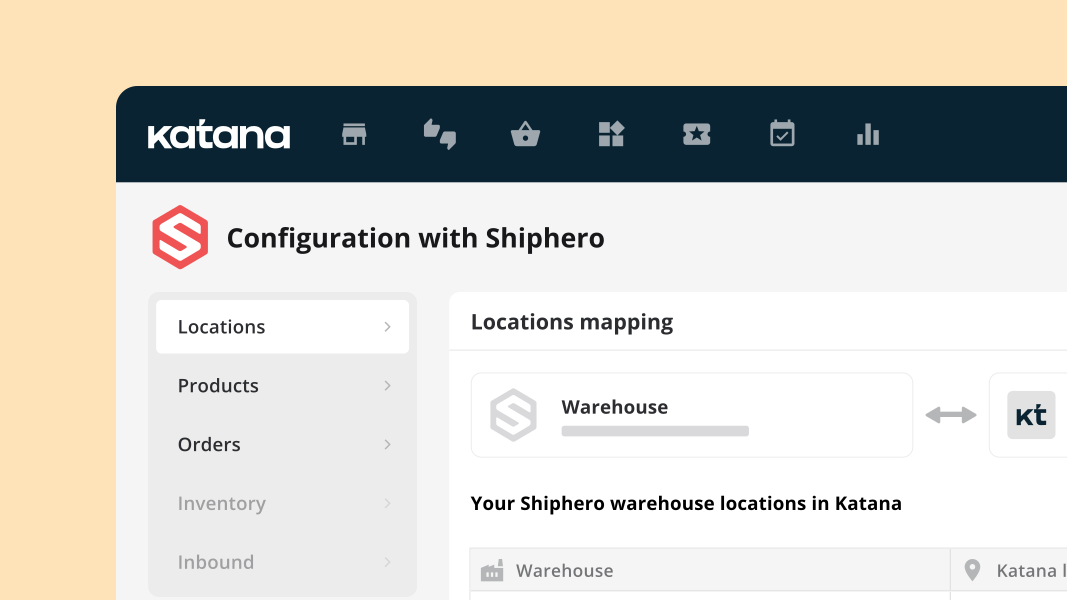
Configure
Choose what syncs, like orders and products. Only the warehouses you map will sync.
STEP 3
Done
Your 3PL data flows into Katana automatically. One source of truth across every channel and location.
Not just your store and your 3PL. All of it.
Katana connects your 3PL to everything around it: your Shopify orders, Amazon listings, purchasing, and stock across every location. One system that sees your entire operation and keeps your numbers accurate, no matter how many channels or warehouses you add.



Frequently asked questions
Katana connects natively to 100+ 3PL and WMS providers, including ShipBob, ShipStation, ShipHero, ShipMonk, Mintsoft, and more. The full list is on the integrations page, and the list is always growing.
Yes. Connect multiple 3PL to the same Katana account and manage your entire fulfillment network from one place.
Katana pulls your 3PL’s orders, products, and customer records in automatically, so everything you need is already in one place. Sending orders out to your 3PL for fulfillment is coming soon.
New integrations are added regularly. Contact us and let us know which one you are looking for.
Yes. 3PL sync works alongside all existing integrations, like Shopify, Amazon, QuickBooks, WooCommerce, Xero, Hubspot, and more. Everything feeds into Katana, so you have full visibility of what’s happening.
No add-on fee. Native 3PL/WMS integrations are included on Katana’s Core plan.
It runs automatically in the background, most sync at least once an hour, some as often as every 10 minutes, and for a few it’s closer to once a day. There’s nothing for you to trigger manually.
No. Connecting your 3PL is a few clicks inside Katana, no code, no developer, no IT ticket.
Yes, as long as your 3PL reports stock by location. Katana maps each of your 3PL’s warehouse locations 1:1, so stock levels stay accurate per location, not just as one combined total.