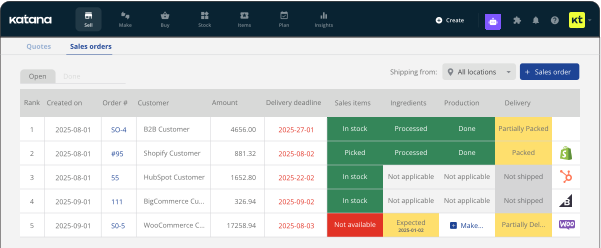

 orders synced
Sell more. Grow faster.
All of Amazon in one system.
Katana takes care of everything behind Amazon, including orders, inventory, tracking, and keeps it in sync with the other channels and tools you already use. You keep selling the way you do, Katana just makes it easier.
Amazon back-office work
off your plate
More time growing on Amazon, less time running it.
Katana handles the orders, stock, and tracking behind every sale, and keeps Amazon running without any of the manual work.

Orders that manage themselves
Cut the copy-paste down to zero.
Every Amazon order shows in Katana, ready to fulfill, and each tracking number updates Seller Central automatically. The admin work that used to take up your morning is now handled for you.

Stock that's always right
Amazon draws from one live count shared with your store, wholesale, and warehouse. Sell anywhere and the number updates everywhere.
No need to reconcile separate numbers or add extra stock just in case.

Account health that lasts
Keep accurate stock numbers and sell only what you can ship, every time. Keep your Buy Box, ranking, and seller metrics clean, and avoid cancellations.
We used to be 7 days behind on our numbers, manually marking ~100 orders a day just to stay on top of things. Now I close my year, look at inventory as of any past date, and just trust the number. No double-checking.
– Brandon Smith, NOOMA drinks
You bring the sales.
Katana keeps up behind the scenes.
Sell through FBM, FBA, or both. Katana syncs orders, stock, and tracking behind every Amazon sale in real time, with both SKUs mapped to one product record.
Order lifecycle
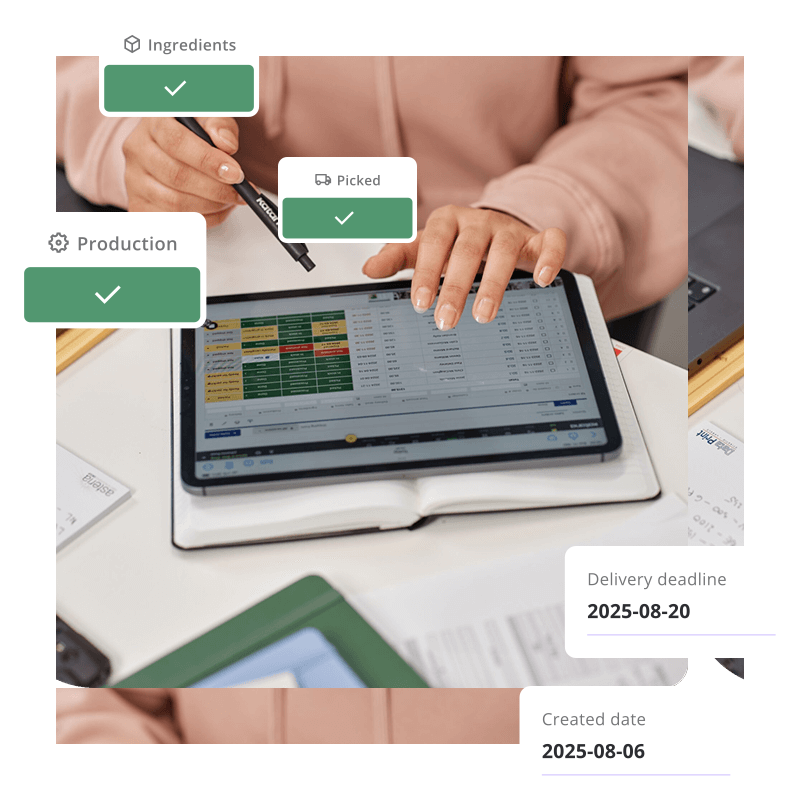
Every order in Katana, fulfilled the right way
FBM orders land in Katana the moment they come in, ready to pick, pack, and ship from your own warehouse. Once you ship, tracking and delivery status update automatically in Amazon. This means you can handle the entire order without logging into Seller Central.
FBA orders also sync as delivered sales orders with fulfilment details, so every Amazon sale is complete in Katana without extra manual steps.
Inventory & fulfillment
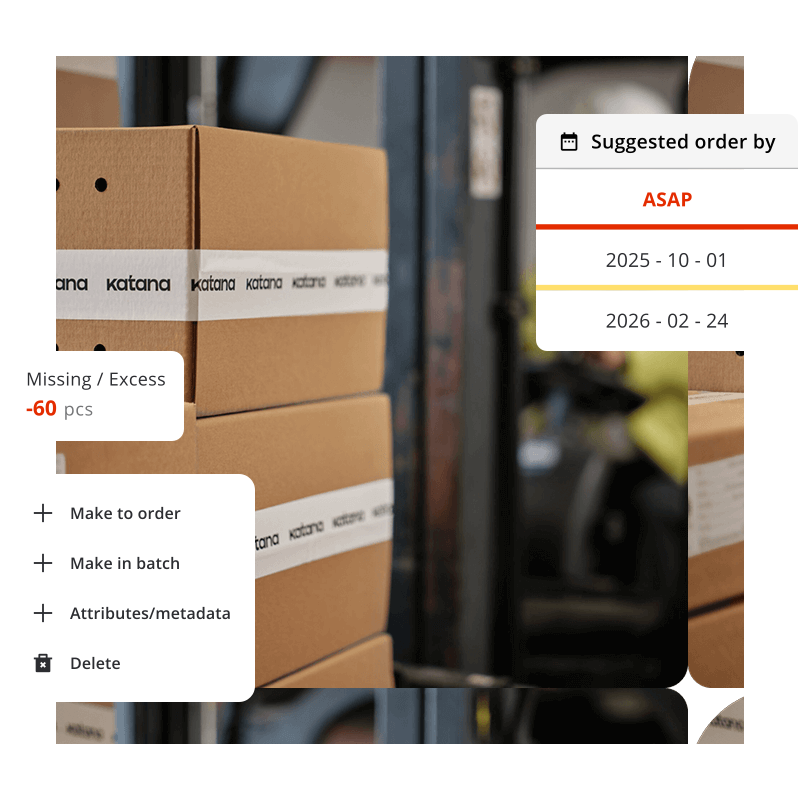
Stock that stays honest, on both sides of Amazon
FBM listings pull from your live Katana stock in real time, so a sale, build, or restock reaches Amazon within seconds and keeps you clear of oversells.
FBA inventory flows the other way: Amazon's fulfillable stock shows up in Katana automatically, kept in line by scheduled reconciliation so you're never chasing a mismatch. Either way, one Katana SKU carries both the FBA and FBM Amazon SKU, so you always work with one single record.
Beyond Amazon
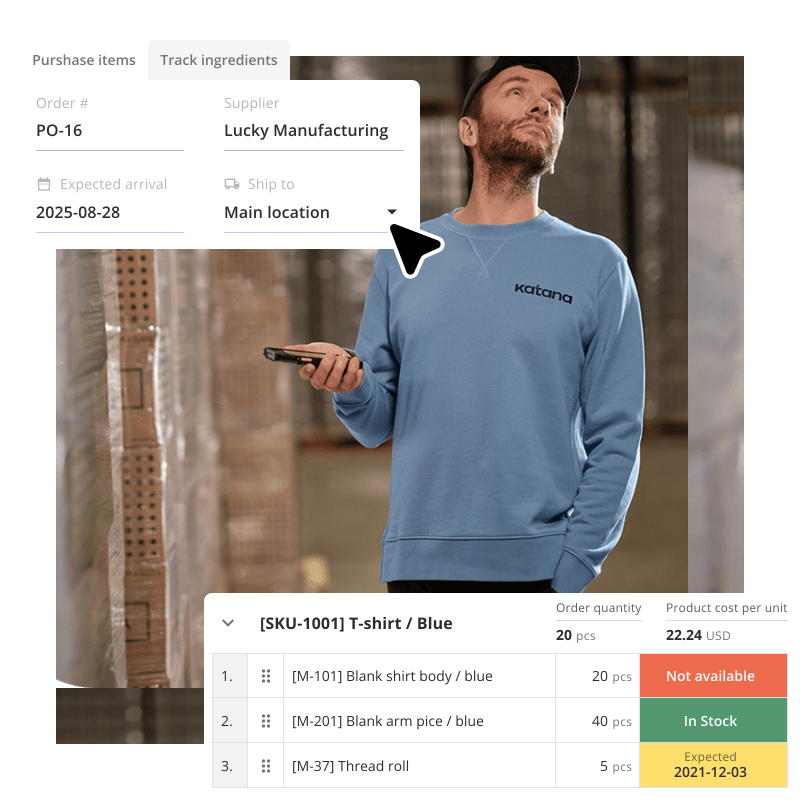
See everything you can build and sell, across every channel
Kits, bundles, and made-to-order products push their buildable stock to Amazon, counting all you can assemble from the components on hand. As long as you hold the parts, they stay listed and sellable.
And because Amazon lives in Katana alongside your production, purchasing, and other channels, every forecast and reorder reflects everything you sell.
Amazon FBA, FBM, or both,
see how each works
Not sure which one fits how you sell? Katana connects to Amazon natively, direct from Seller Central, so you can run either model, or both, with nothing third-party in between. Whether Amazon ships for you or you ship it yourself, here's exactly what that looks like inside Katana.

Amazon FBA
Amazon stores your stock, ships every order, and handles customer service on your behalf.
Katana keeps your books honest against what's sitting in their warehouses, without you logging in to check.
- Amazon's fulfillable stock flows into a dedicated location in Katana automatically
- Scheduled or on-demand reconciliation keeps Katana and Amazon stock aligned
- Shipped orders sync in as Delivered, and your records stay complete
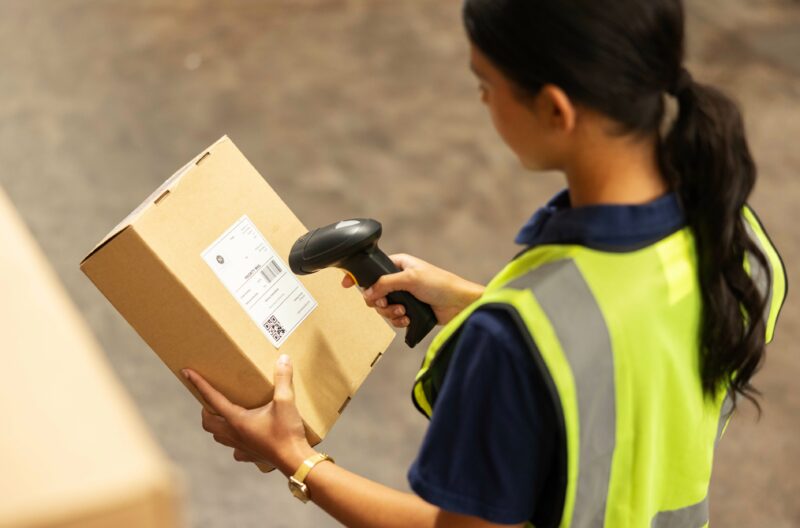
Amazon FBM
You hold the stock and ship every order yourself.
Katana makes that a clean pick, pack, and go: orders arrive ready to fulfil and tracking posts back to Amazon on its own.
- New orders land in Katana as Open, ready to pick, pack, and ship. You can do full or partial deliveries
- Stock, including buildable kits and bundles, pushes to Amazon in real time, so you never oversell
- Tracking and delivery status write back to Amazon automatically, so you keep you seller metrics clean
How to set up the AMAZON integrations
Up and running in minutes
Connect your marketplace once and from there, orders, stock, and tracking just flow. Here's how it works:
01. CONNECT
Link your Amazon account
Authorize your Amazon Seller account in a couple of minutes.
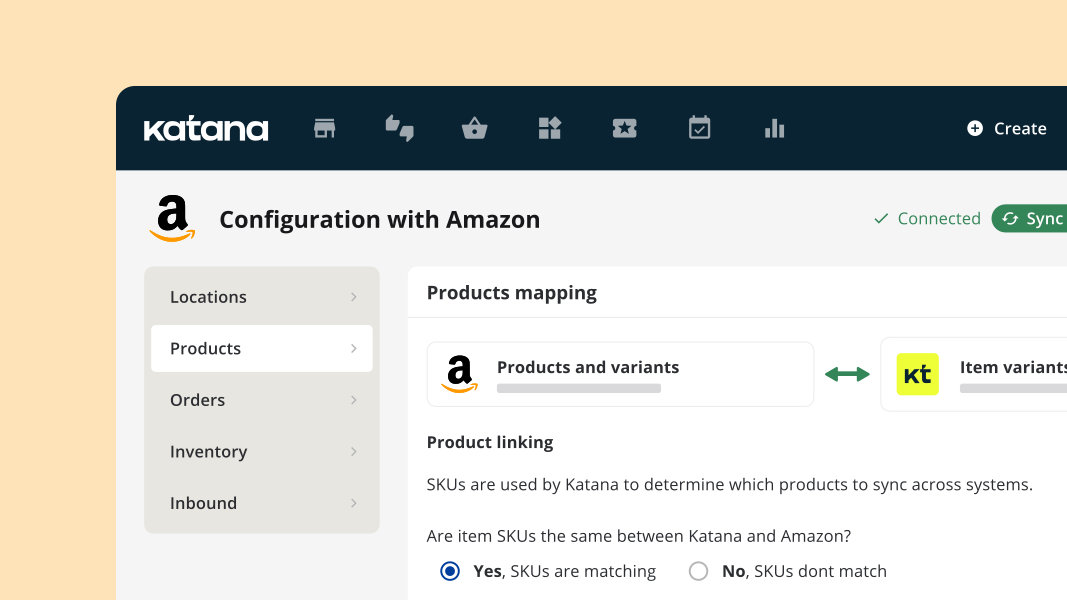
02. MATCH YOUR SKUs
Map your products and import them
Katana lines up your products with your Amazon listings: FBA, FBM, or both.
03. LET IT RUN
Automation takes it from here
Orders import, stock syncs, and tracking writes back to Amazon automatically, no manual work from here.
Frequently asked questions
With FBA (Fulfilled by Amazon) you send your stock to Amazon and they pick, pack, and ship it. With FBM (Fulfilled by Merchant) you store, pack, and ship the orders yourself. Many sellers use both.
Depends. FBA suits fast-moving, standard-sized bestsellers you want shipped at scale with Prime. FBM suits custom, bulky, slow-moving, or made-to-order items, or testing a product before committing it to FBA.
Yes. Both run natively from a single Amazon connection. SKU aliasing links the FBA and FBM codes for the same item to one Katana product, so you avoid duplicates and keep one accurate count across both.
Yes. Katana keeps one real-time stock count behind every channel you sell on, like Amazon, Shopify, wholesale, your warehouse, and 3PLs, so selling on one never oversells another.
Katana is built on real manufacturing. It knows how you make your products, so it can drive your Amazon listings from what you can actually build, not just finished stock.
Katana holds one live stock count behind every channel, so a sale on any one of them updates the number everywhere else instantly, there's no separate Amazon count to fall out of sync.
Most sellers are live the same day. It’s just one click away from the Integration Marketplace.
No. Katana works with your existing listings, it manages stock, orders, and tracking behind them, not the listings themselves.
Excel works for very early-stage businesses with simple, low-volume inventory. As your product range, order volume, or number of locations grows, spreadsheets become harder to maintain and more prone to errors. Inventory management software automates the updates that Excel requires manually and gives you real-time accuracy across your entire operation.
Sell more on Amazon and run it all from one place
See how Katana runs Amazon FBA and FBM alongside the tools you already use.