
Create products with BOMs directly from Shopify
The Katana BOM Configurator powered by DataAutomation connects Shopify with Katana to automatically create products with Bills of Materials (BOMs), send sales orders into production, and keep data accurate across both platforms.

Integration
BOM Configurator
Website
Category
Automation, E-commerce
Type
Third-party
Documentation
Video demostration
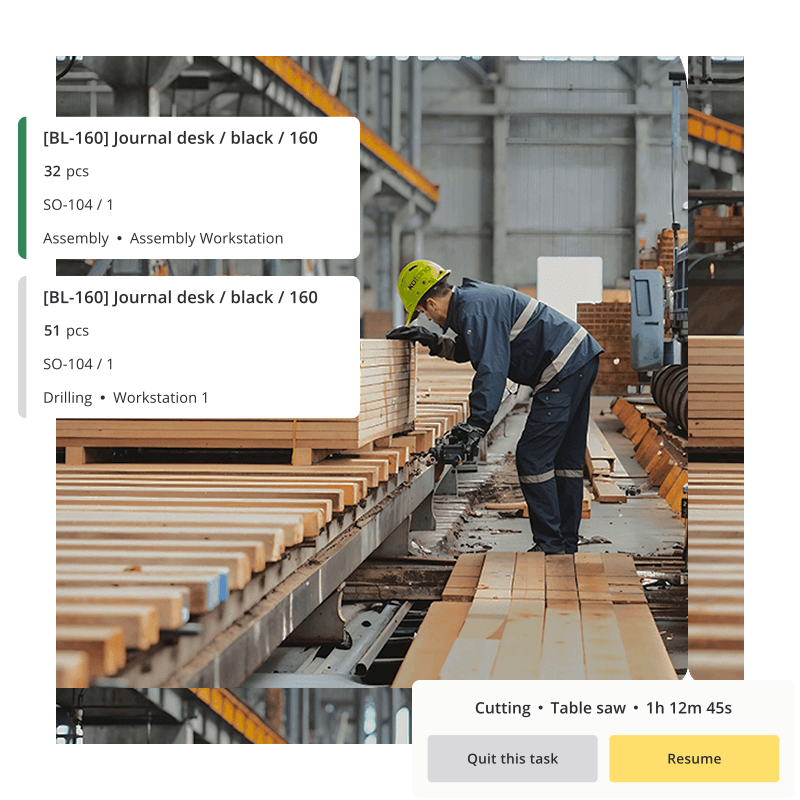
Create BOMs automatically with your sales orders
Each Shopify order flows into Katana with the right Bill of Materials attached. That means your production team knows exactly what to make, without needing to set up each product manually.
You can also choose whether sales orders should trigger manufacturing orders, giving you flexibility to keep production organized in the way that works best for your workflow.
- Create BOMs automatically to reduce manual setup and save time
- Generate manufacturing orders alongside sales orders when needed
- Keep products and inventory aligned across systems
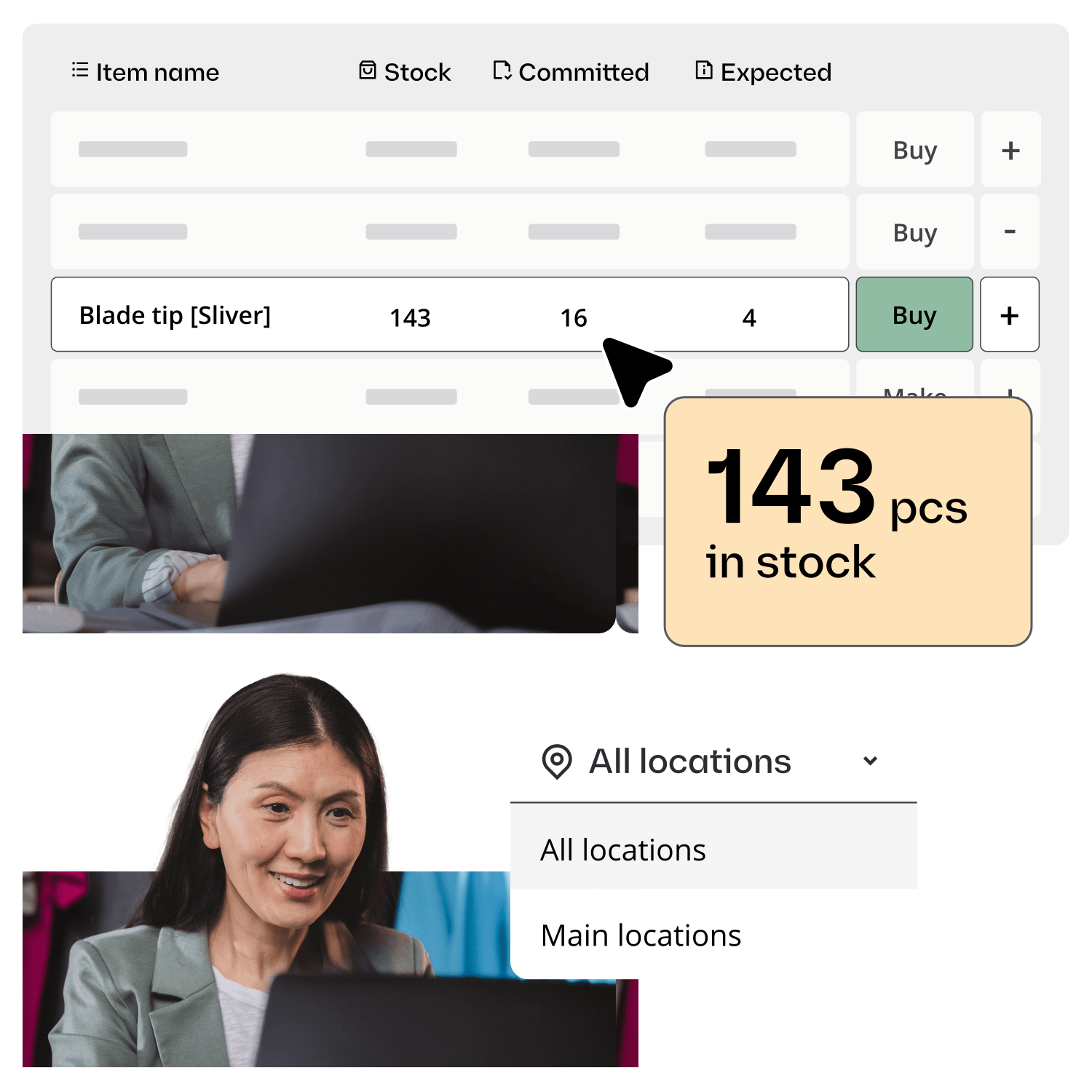
Keep products and inventory in sync
The configurator pulls existing products and materials from Katana into Shopify, and new configurations sync back. With the optional inventory add-on, you can also keep stock levels updated in real time to avoid errors or overselling.
- Configure product options directly in the app
- Sync product and material details between Shopify and Katana
- Add live inventory syncing to keep stock levels up to date automatically
Integrate with the best ecommerce, accounting, reporting, and CRM apps out there
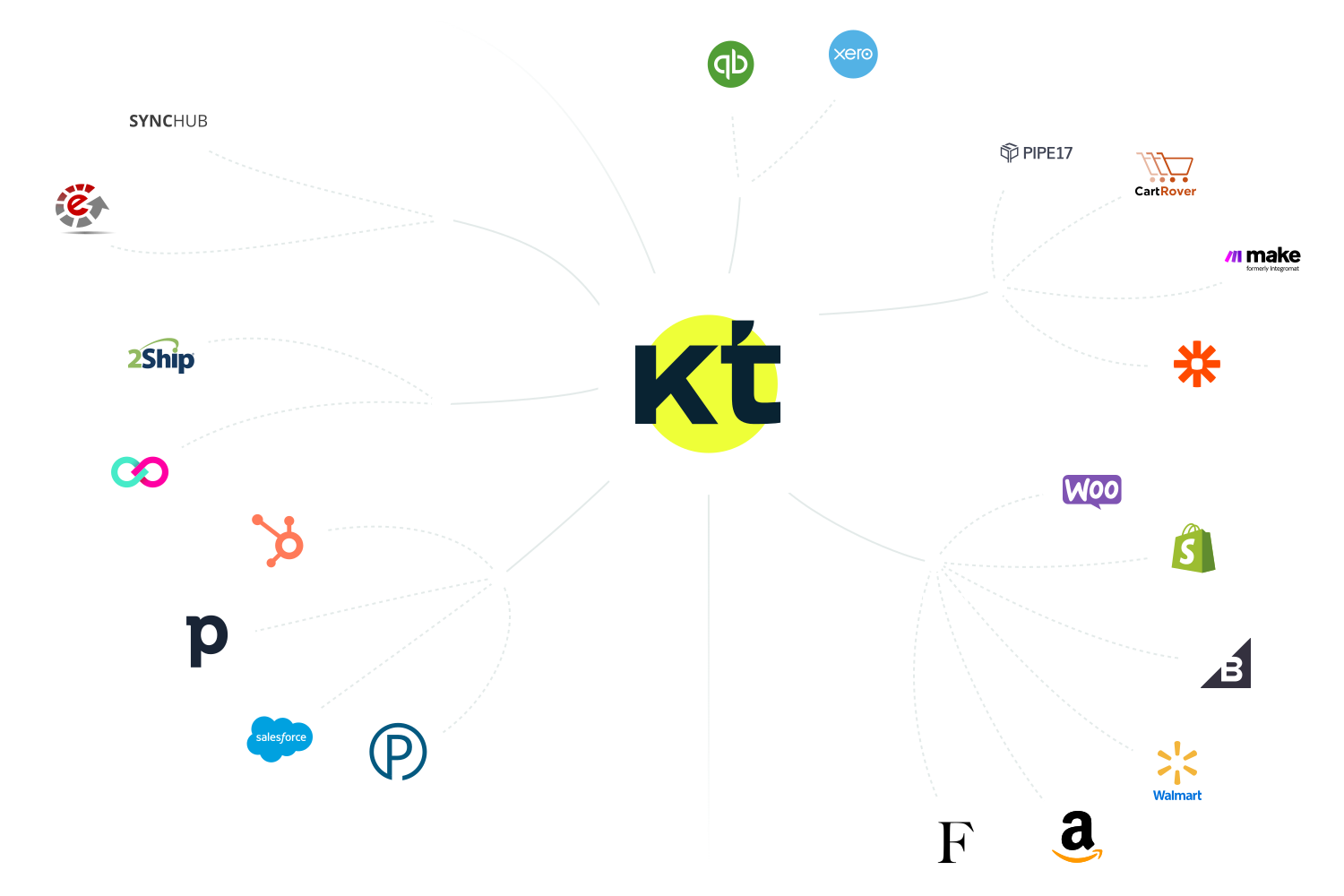
All your business tools — connected
Optimize your workflow with native and third-party integrations, automating data transfer between systems and reducing errors. Or build your own custom integrations using the open API for seamless data flow with other applications. Check out the API documentation for more details.
Get visibility over your sales and stock
Wave goodbye to uncertainty with Katana Cloud Inventory — AI-powered for total inventory control
